
Two-Factor Authentication vs. Two-Step Verification: What's the Difference?
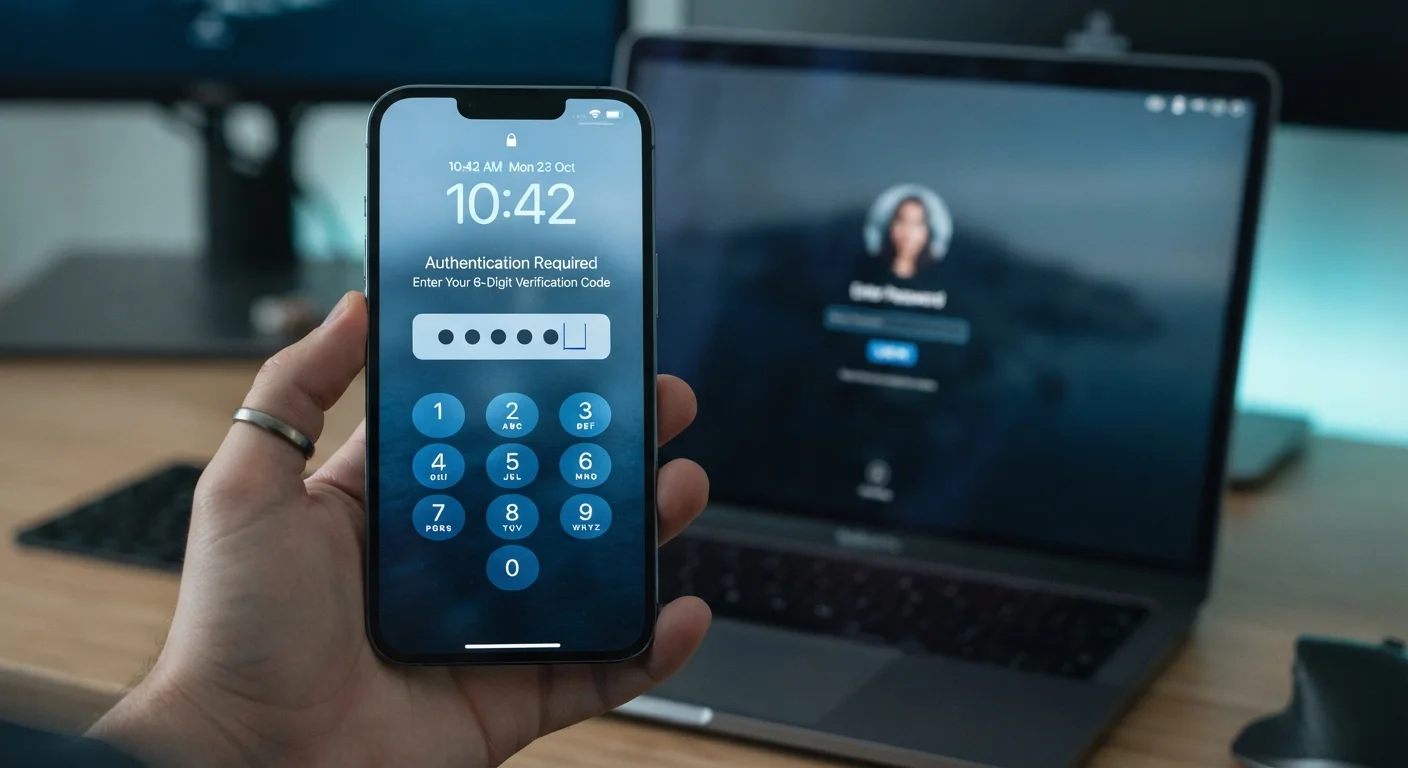
Photo credit: TrendingExperts.net
In this article
2FA and 2SV sound identical but work differently. Understand the distinction and which login protection method actually provides stronger security.
Key Takeaways
- 2FA requires two genuinely independent factor types; 2SV requires two steps that may use the same factor type.
- All 2FA is two-step verification, but not all two-step verification qualifies as true two-factor authentication.
- SMS-based verification codes are common but are more vulnerable than hardware keys or authenticator apps.
- For most everyday accounts, 2SV still provides a significant security improvement over a password alone.
- Choosing any second-layer login protection dramatically reduces your risk of a successful account takeover.
Why the Distinction Actually Matters
The terms "two-factor authentication" and "two-step verification" are used interchangeably by many apps, websites, and even tech companies - but they describe meaningfully different things. Understanding the distinction helps you evaluate how secure your login actually is, not just whether a second step exists.
The core concept behind both is the same: require something beyond a password before granting access. Security professionals categorize login credentials into three factor types: something you know (a password or PIN), something you have (a phone or hardware key), and something you are (a fingerprint or face scan). True two-factor authentication demands that each step draws from a different factor category. Two-step verification only requires two separate steps - they can both come from the same category.
This distinction is more than semantic. Consider a scenario where you enter a password and then answer a security question. That's two steps, but both are "something you know" - so it's 2SV, not 2FA. If an attacker obtains or guesses your password, a security question in the same category offers much weaker protection than a physical device in your pocket.
| Criterion | Two-Factor Authentication (2FA) | Two-Step Verification (2SV) |
|---|---|---|
| Factor requirement | Two different factor types required | Two steps, same factor type allowed |
| Common examples | Password + authenticator app or hardware key | Password + SMS code or security question |
| Resistance to SIM swapping | Strong (app/key not tied to phone number) | Weaker when SMS-based |
| Ease of setup | Moderate (app install or hardware purchase) | Easy (phone number or email required) |
| Overall security level | Higher | Good, but lower than true 2FA |
| Wide platform availability | Growing but not universal | Very common across most services |
How Each Method Works in Practice
When a site offers "two-step verification," it typically sends a one-time code to your phone via SMS or email. You enter your password, then enter that code. This is the most common setup people encounter and it does provide real security value - a stolen password alone won't get an attacker in. However, SMS codes have a documented weakness: SIM swapping, where a bad actor convinces your carrier to transfer your phone number to a new SIM card, giving them access to your texts.
True two-factor authentication raises the bar. An authenticator app - software that generates time-sensitive codes on your device - qualifies as 2FA because the app represents something you physically have, independent of your password. A hardware security key that you plug into a USB port is the strongest form of 2FA available to consumers. It cannot be remotely intercepted the way an SMS can.
A Note on Terminology Confusion
Many major platforms - including some well-known tech companies - label their SMS verification systems as "two-factor authentication" even when they technically qualify only as two-step verification. This is a widespread marketing and branding inconsistency, not necessarily a deliberate misrepresentation. When evaluating any account's security options, look at the specific method being used rather than relying solely on the label it's given.
For most people, the practical takeaway is simple: if your account offers an authenticator app option, use it over SMS. It's free, more secure, and takes only a few minutes to set up. For your most sensitive accounts, it's worth the minor extra effort. You can learn more about evaluating your full login posture in our account security checklist.
Keep in mind that login security is just one piece of the picture. A strong, unique password is the essential first layer. Our look at password manager trade-offs can help you decide whether a password manager makes sense for your situation.
Making the Right Choice for Your Accounts
For most everyday Americans, the most important move is simply enabling any form of second-layer login protection on accounts that matter. Even SMS-based 2SV stops the vast majority of automated credential-stuffing attacks, where hackers test leaked passwords across thousands of sites at once.
That said, not all accounts carry the same risk. Prioritize stronger 2FA - via authenticator app or hardware key - for email, banking, and any account that stores payment information or health data. For lower-stakes accounts like entertainment streaming, SMS-based verification is a reasonable fit. You might also want to understand what happens when you rely on social logins: our piece on signing in with Google or Facebook covers what that convenience actually costs you.
If you're curious about other commonly misunderstood digital privacy tools, the contrast in our article on VPN vs. incognito mode follows the same logic: knowing what a tool actually does - rather than what you assume it does - is what makes it useful.
The bottom line: when you see "2FA" and "2SV" used interchangeably on a settings page, dig one level deeper. Look at what that second step is. If it's an authenticator app or a hardware key, you have genuine 2FA. If it's an SMS code or a backup email, you have useful but comparatively weaker 2SV. Both are better than a password alone - but they are not the same.

Author
Technology Editorial Team
Technology Editorial Team is the collective byline for our editorial team and contributor network. Articles published under this byline or an editorial pen name are researched, written, and reviewed according to our editorial standards for clarity, consistency, and independence before publication.
View all articles →