
Password Managers: Trade-Offs Worth Knowing Before You Commit
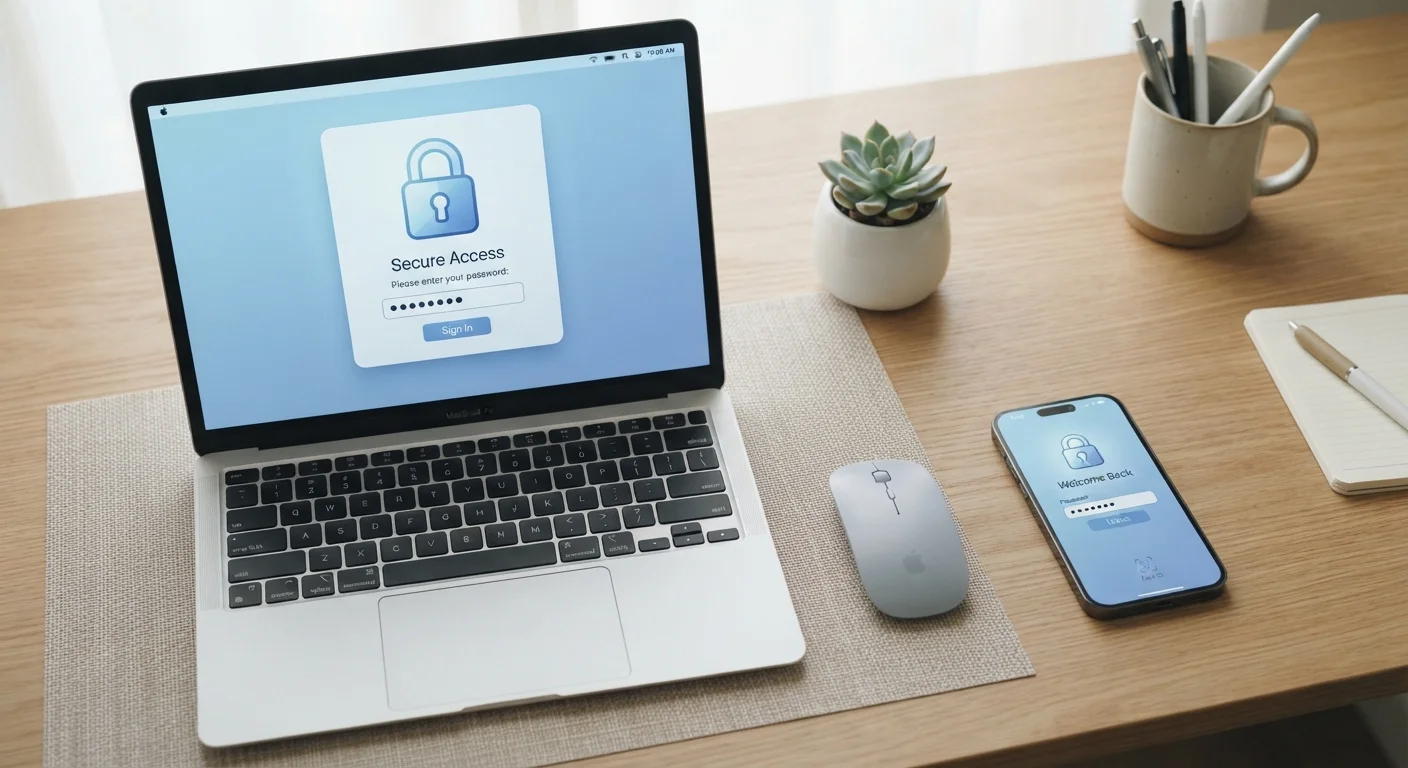
Photo credit: TrendingExperts.net
In this article
Password managers offer real security benefits, but they're not without drawbacks. Here's an honest look at what you gain — and what you risk.
Key Takeaways
- Password managers let you use a unique, strong password for every account without memorizing them.
- All your credentials living in one place creates a concentrated risk if the vault is compromised.
- A strong master password paired with two-factor authentication is essential for safe use.
- Most reputable password managers use zero-knowledge encryption, meaning the provider cannot read your data.
- Losing access to your master password can lock you out of all stored accounts permanently.
Enables truly unique passwords for every account
Password managers generate long, random credentials so you never have to reuse or slightly modify a single password. This eliminates the credential stuffing risk that comes with reuse.
Removes the burden of memorization
You only need to remember one strong master password. The manager stores and auto-fills the rest, reducing cognitive load and the temptation to choose simple passwords.
Strong encryption protects stored data
Most reputable managers use zero-knowledge encryption, meaning your data is encrypted on your device before it ever reaches the provider's servers. The provider cannot read or hand over your credentials.
Works across devices and browsers seamlessly
Cloud-synced managers keep your passwords available whether you're on a phone, tablet, or desktop - without manually copying credentials between devices.
Flags weak or compromised passwords
Many managers audit your stored passwords and alert you when a credential appears in a known data breach, letting you update it before damage is done.
Single point of failure if the vault is breached
Storing all credentials in one place means a successful attack on the vault - or the service that hosts it - could expose every account at once. This is a non-trivial risk that has materialized for some providers.
Losing the master password can lock you out permanently
Zero-knowledge encryption means the provider cannot reset your master password. Without a recovery kit, losing the master password means losing access to everything stored inside.
Requires trust in a third-party service
You're relying on a company to handle your most sensitive data securely. The provider's security practices, update cadence, and response to incidents matter significantly.
Browser extensions can introduce vulnerabilities
Auto-fill extensions interact with web pages continuously, which creates a potential attack surface. Exploits targeting browser extensions have been used to steal credentials in the past.
Learning curve and setup time upfront
Importing existing passwords, evaluating which to update, and establishing good habits takes real effort initially - which discourages some users from completing the setup properly.
What a Password Manager Actually Does
A password manager is software that stores, generates, and auto-fills login credentials for your online accounts. Instead of remembering dozens of passwords, you remember one - called a master password - and the manager handles the rest.
Most password managers encrypt your stored credentials and sync them across your devices. When you visit a login page, the manager recognizes the site and fills in your username and password automatically. They also include a built-in generator that creates long, random passwords that are far harder to crack than anything a human would choose.
If you're already thinking about the basics of staying safe online, see our complete starter framework for personal online security - password managers fit into a broader strategy that includes two-factor authentication and safe browsing habits.
Enables truly unique passwords for every account
Password managers generate long, random credentials so you never have to reuse or slightly modify a single password. This eliminates the credential stuffing risk that comes with reuse.
Removes the burden of memorization
You only need to remember one strong master password. The manager stores and auto-fills the rest, reducing cognitive load and the temptation to choose simple passwords.
Strong encryption protects stored data
Most reputable managers use zero-knowledge encryption, meaning your data is encrypted on your device before it ever reaches the provider's servers. The provider cannot read or hand over your credentials.
Works across devices and browsers seamlessly
Cloud-synced managers keep your passwords available whether you're on a phone, tablet, or desktop - without manually copying credentials between devices.
Flags weak or compromised passwords
Many managers audit your stored passwords and alert you when a credential appears in a known data breach, letting you update it before damage is done.
The Real Advantages
The most immediate benefit is eliminating password reuse. Reusing passwords across sites remains one of the leading causes of account takeovers. When one site suffers a data breach, attackers run the stolen credentials against hundreds of other sites automatically - a technique called credential stuffing. Unique passwords for every account shut down this attack vector entirely.
Password managers also reduce human error. People tend to choose predictable passwords and avoid updating them. A manager removes those habits from the equation by generating and storing credentials that no person would realistically memorize.
For families or teams, many managers offer secure sharing features, letting you share login access without ever revealing the actual password in plain text.
81%
Data breaches involving weak or stolen passwords
According to Verizon's Data Breach Investigations Report, the vast majority of hacking-related breaches involve compromised credentials.
100+
Average number of passwords per person
NordPass research has found that the typical internet user manages well over 100 passwords, making manual unique-password strategies effectively impossible.
The Drawbacks You Should Take Seriously
The most significant concern is concentration of risk. Storing every password in a single location means that if that vault is ever compromised - through a breach of the provider, a stolen device, or malware - all of your accounts could be exposed simultaneously. This is a real consideration, not a hypothetical one. Several well-known password manager providers have reported security incidents over the years.
There's also the master password problem. Forget it, and you may lose access to every account stored in the vault. There is no password reset for a true zero-knowledge system - the provider cannot recover it for you because they don't have it.
Browser extensions, which most managers rely on for auto-fill, introduce their own risks. A malicious or poorly coded extension can be exploited. It's worth reading our overview of browser extension risks to understand how these tools interact with your data.
Single point of failure if the vault is breached
Storing all credentials in one place means a successful attack on the vault - or the service that hosts it - could expose every account at once. This is a non-trivial risk that has materialized for some providers.
Losing the master password can lock you out permanently
Zero-knowledge encryption means the provider cannot reset your master password. Without a recovery kit, losing the master password means losing access to everything stored inside.
Requires trust in a third-party service
You're relying on a company to handle your most sensitive data securely. The provider's security practices, update cadence, and response to incidents matter significantly.
Browser extensions can introduce vulnerabilities
Auto-fill extensions interact with web pages continuously, which creates a potential attack surface. Exploits targeting browser extensions have been used to steal credentials in the past.
Learning curve and setup time upfront
Importing existing passwords, evaluating which to update, and establishing good habits takes real effort initially - which discourages some users from completing the setup properly.
How to Use One More Safely
The risks above are manageable. A few practices make a significant difference:
- Use a passphrase as your master password - a string of four or more random words is both long and memorable. Avoid using any variation of a password you use elsewhere.
- Enable two-factor authentication (2FA) on the manager itself. This way, even if someone learns your master password, they still can't access the vault without the second factor. Our explainer on 2FA vs. two-step verification breaks down how these protections work.
- Store your emergency recovery kit - most managers generate a recovery code or emergency sheet. Print it once and keep it somewhere physically secure, like a lockbox.
- Keep your device's operating system and the manager app updated so known vulnerabilities get patched promptly.
Password managers are more secure than the alternatives most people actually use: sticky notes, spreadsheets, or a browser's built-in saved-password feature. They're not perfect, but neither is any other option.
Zero-Knowledge Encryption Explained
When a password manager is described as "zero-knowledge," it means your credentials are encrypted locally on your device using your master password before being sent anywhere. The service provider holds only encrypted data and does not have the key to decrypt it. This protects you if the provider is breached - attackers get scrambled data, not readable passwords. Always verify that any manager you consider publicly documents this architecture.

Author
Technology Editorial Team
Technology Editorial Team is the collective byline for our editorial team and contributor network. Articles published under this byline or an editorial pen name are researched, written, and reviewed according to our editorial standards for clarity, consistency, and independence before publication.
View all articles →