
A Pre-Download Checklist for Evaluating Any New App
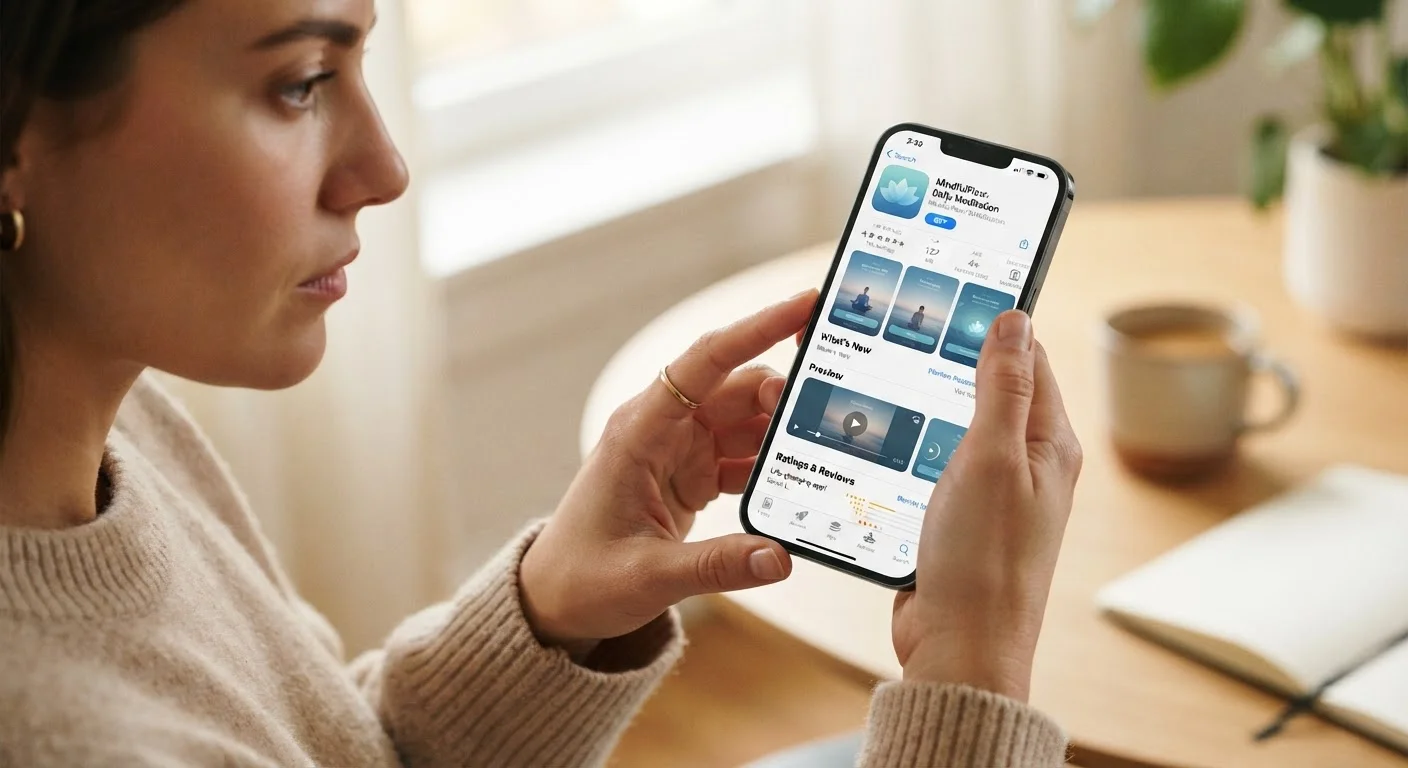
Photo credit: TrendingExperts.net
Before installing a new app, there are key things worth checking. Use this checklist to assess permissions, publisher credibility, and data practices.
Key Takeaways
- Check who published the app and whether that developer has a credible track record.
- Review which device permissions the app requests - and question any that seem excessive.
- Read the privacy policy to understand how your data is collected, stored, and shared.
- Look at recent user reviews, not just the overall star rating, for the most honest picture.
- Free apps often generate revenue through ads or data - knowing this helps you evaluate the trade-off.
Why a Quick Evaluation Habit Pays Off
Most of us have installed an app on impulse - drawn in by a recommendation, an ad, or a quick search - only to wonder later what it's actually doing on our device. Apps can be genuinely useful tools, but they can also request broad access to your contacts, location, camera, or microphone without much explanation. Building a short evaluation habit before you hit Install helps you stay in control of your data and your device.
This checklist applies to apps on any major platform - iOS, Android, or desktop. You don't need a technical background to use it. Each step takes a minute or two, and the whole process rarely takes longer than 20 minutes for even a complex app. For a parallel look at browser-based tools, our guide to browser extensions covers similar ground for add-ons installed in your browser.
App Store Listing Page
Your first source for developer information, permissions, update history, and user reviews.
Search Engine
Used to independently verify the developer's identity and surface any reported concerns or news coverage.
Privacy Policy Reader (e.g., ToS;DR)
Community-annotated tool that summarizes key points from terms of service and privacy policies in plain language.
Device Settings (Permissions Manager)
Built-in to iOS and Android; lets you review and adjust which permissions any installed app currently holds.
How to Work Through the Checklist
Start with the Publisher & Credibility group before anything else - if an app's source can't be verified, the remaining checks matter less. From there, move through permissions, privacy, and reputation in order. Items marked must are non-negotiable for most users; should items are strongly recommended; and nice_to_have items add extra confidence when you have the time.
Publisher & Credibility
Permissions Review
Privacy Policy & Data Practices
Reviews & Reputation
Business Model & Cost Transparency
Excessive Permissions Are a Hard Stop
If an app requests access to sensitive data - such as your contacts, microphone, or precise location - that has no clear connection to its function, do not install it. Legitimate apps can almost always accomplish their purpose with minimal permissions. Granting unnecessary access is difficult to undo and can expose personal information you didn't intend to share.
If you're setting up a device for a child, the stakes around app evaluation are even higher. Our checklist for parents setting up a tablet safely walks through content filters, privacy settings, and screen-time controls specifically for younger users.
Once you've installed an app that passes your evaluation, keeping it current is the next step. Staying on top of updates directly affects your security and data safety - not just your access to new features.

Author
Technology Editorial Team
Technology Editorial Team is the collective byline for our editorial team and contributor network. Articles published under this byline or an editorial pen name are researched, written, and reviewed according to our editorial standards for clarity, consistency, and independence before publication.
View all articles →