
Why Reusing Passwords Is Still the Internet's Most Dangerous Habit
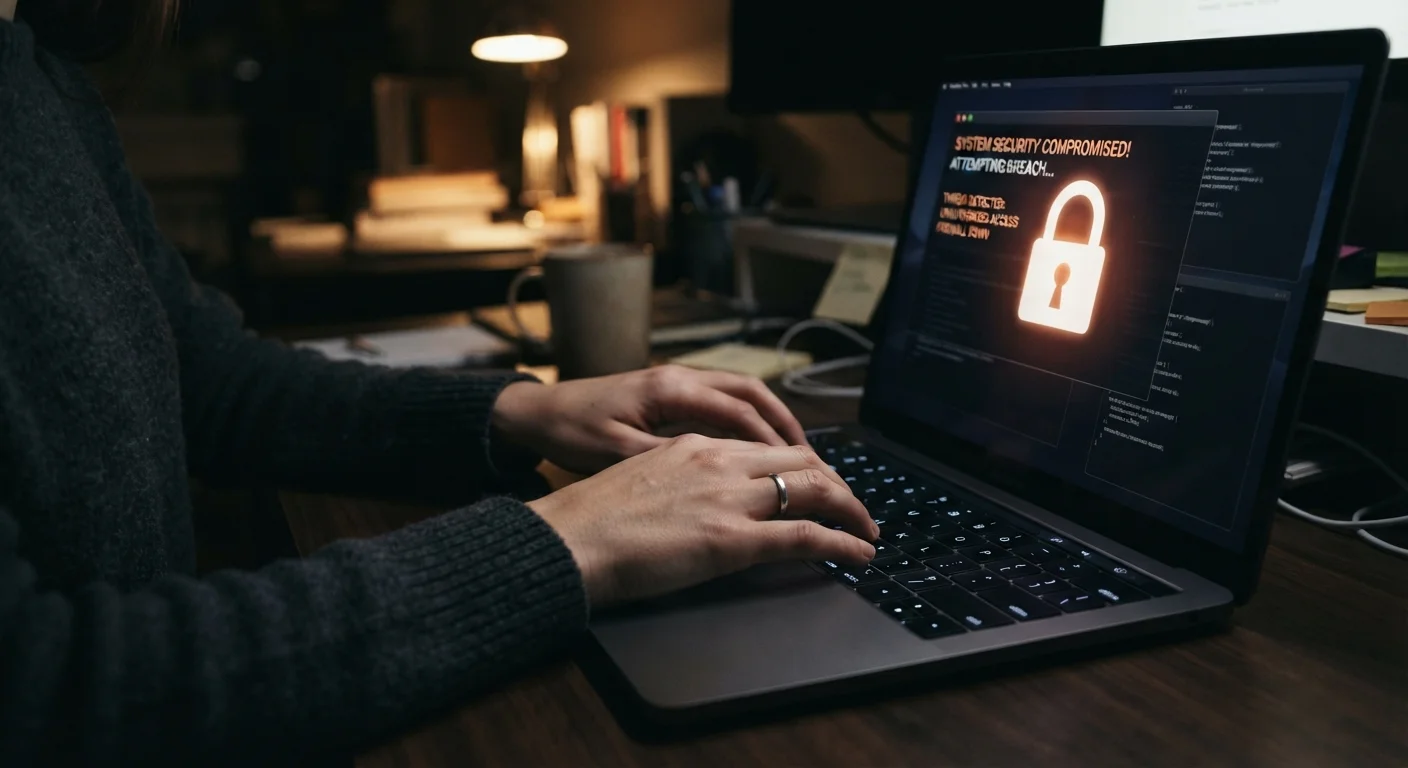
Photo credit: TrendingExperts.net
In this article
Password reuse remains one of the leading causes of account takeovers. Understand how credential stuffing works and what it costs victims.
Key Takeaways
- Reusing passwords across multiple sites is the leading cause of mass account takeovers.
- Attackers use automated credential stuffing tools to try stolen passwords on thousands of sites simultaneously.
- A single data breach at one company can compromise your bank, email, and social accounts.
- Using a password manager and enabling two-factor authentication eliminates most password reuse risk.
- Free tools like Have I Been Pwned let you check if your credentials have already been exposed.
How Credential Stuffing Turns One Breach Into Many
When a website you use is hacked, your username and password may end up in a file sold on criminal marketplaces within days. Attackers feed these stolen lists into automated software that systematically tries each credential combination on popular sites - banks, email providers, retailers, streaming services - at machine speed. This is called credential stuffing, and it works precisely because so many people reuse passwords.
The attack requires almost no skill. Tools are widely available, and the math strongly favors the attacker: if your password works on even one out of twenty sites tested, the compromise is profitable. Once inside your email account, attackers can reset passwords on your other accounts, locking you out entirely.
For a broader look at how these threats fit together, see our complete online safety guide.
One Breach Can Unlock Everything
When a company you use suffers a data breach, your username and password are often sold in bulk to criminal networks within days. Attackers then run automated software that tries those exact credentials on hundreds of other sites - banking, email, shopping, and more. If you reuse that password anywhere, those accounts are effectively unlocked.
The Most Common Password Mistakes - and How to Fix Them
Most people understand passwords matter. The problem is that the habits that feel safe often aren't. The mistakes below are the ones that keep account takeovers so common - and each has a straightforward fix.
Using the same password across multiple websites or apps.
Why it happens: Creating and remembering a unique password for every site feels impractical, so people default to one memorable password they trust.
Assuming a strong password is safe to reuse because it's complex.
Why it happens: People conflate password strength with password safety, not realizing that complexity doesn't matter once a password is stolen from a breached database.
Never checking whether your email or passwords have appeared in known data breaches.
Why it happens: Most people don't know free monitoring tools exist, or assume they would have been notified by the breached company.
Skipping two-factor authentication (2FA) on important accounts.
Why it happens: 2FA can feel like an inconvenient extra step, and many users don't realize how dramatically it reduces risk even when a password is stolen.
Relying on minor password variations instead of truly unique passwords.
Why it happens: Slightly modifying a familiar password feels like a reasonable middle ground between security and memorability.
Slightly Changing Your Password Isn't Enough
Adding a number or symbol to a base password (e.g. changing "sunshine" to "sunshine1!") does not protect you from credential stuffing. Attackers use rules-based cracking tools that automatically test common variations of leaked passwords. Every important account needs a fully unique, randomly generated password.
Tools That Make Good Password Habits Effortless
The reason password reuse persists isn't laziness - it's the absence of a practical alternative. Two tools close that gap completely.
86%
Of web application attacks involving stolen credentials
According to Verizon's Data Breach Investigations Report, the vast majority of web application attacks leverage compromised usernames and passwords.
15 billion
Stolen credentials circulating on criminal forums
Digital Shadows (now ReliaQuest) estimated over 15 billion stolen credentials were available on criminal marketplaces, reflecting years of cumulative data breaches.
65%
Of people who reuse passwords across multiple accounts
A Google/Harris Poll survey found nearly two-thirds of Americans admit to reusing the same password across multiple websites.
Password managers generate, store, and auto-fill a unique random password for every site. You create one strong master password to protect the vault; the software handles everything else. Both dedicated apps and browser-based options exist - if you want to understand the trade-offs between them, compare dedicated password managers to browser-saved passwords.
Two-factor authentication (2FA) adds a second verification step - typically a code from an authenticator app - that an attacker can't pass even with your correct password. Enable it on your email account first; email is the master key to everything else online.
Finally, periodically check your accounts for exposure. For a step-by-step audit of your login security, use this account lockdown checklist to find and close weak points before a breach does it for you. And if you regularly use public networks, be aware that open Wi-Fi carries its own distinct risks worth understanding alongside password hygiene.

Author
Technology Editorial Team
Technology Editorial Team is the collective byline for our editorial team and contributor network. Articles published under this byline or an editorial pen name are researched, written, and reviewed according to our editorial standards for clarity, consistency, and independence before publication.
View all articles →