
The Real Difference Between an App and a Website
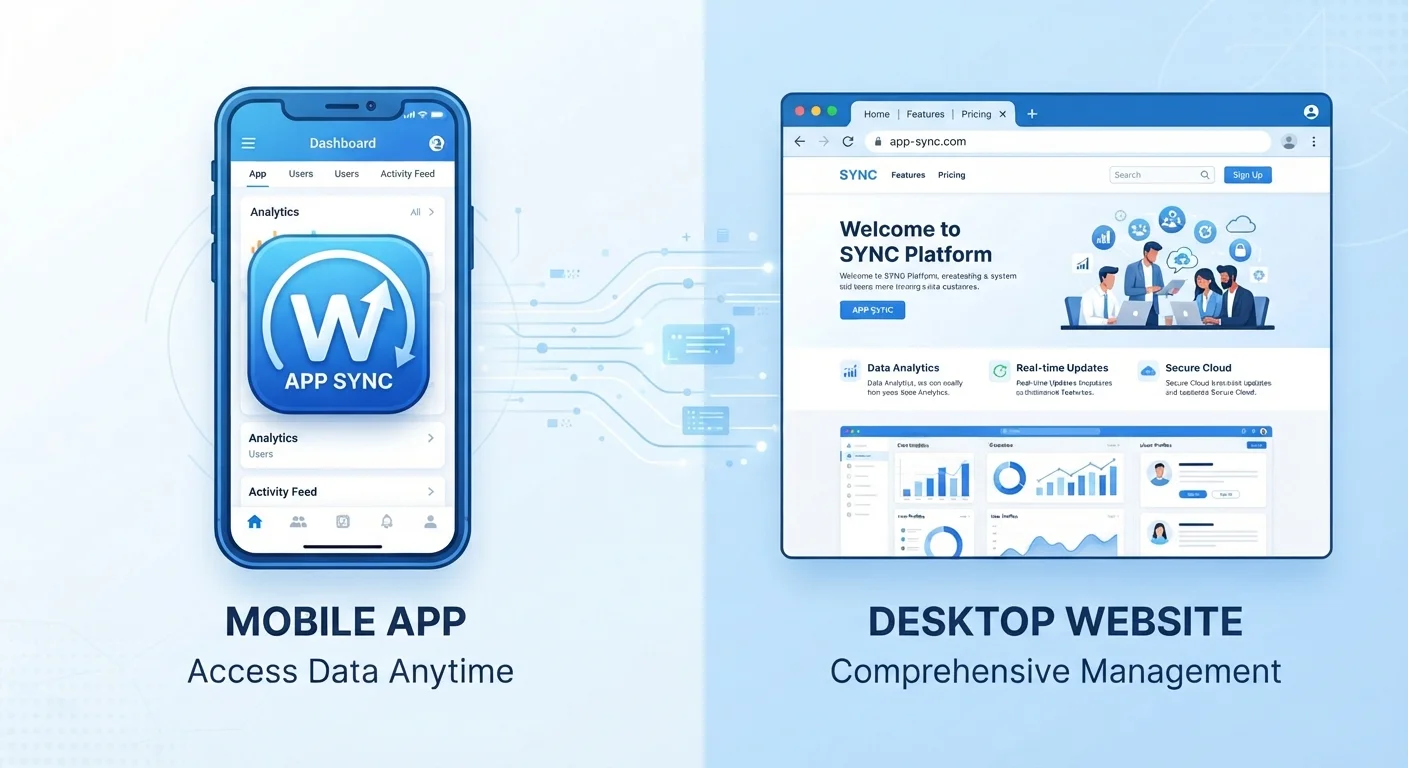
Photo credit: TrendingExperts.net
In this article
Many people use apps and websites interchangeably, but they behave differently under the hood. Here's what sets them apart and why it matters.
Key Takeaways
- Websites live in your browser; apps are installed directly on your device.
- Apps can often work offline; most websites require an active internet connection.
- Apps typically have deeper access to device features like your camera, GPS, and notifications.
- Both apps and websites can pose privacy and security considerations worth understanding.
- The line between apps and websites is increasingly blurry thanks to modern web technology.
Where Each One Lives
The most fundamental difference comes down to where the software runs. A website is hosted on a remote server somewhere on the internet, and your browser - Chrome, Safari, Firefox - fetches and displays its content every time you visit. Nothing significant is stored on your device between visits (beyond small cache files).
An app, by contrast, is installed on your device. Its core code lives on your phone or computer. When you tap the Instagram icon or open your banking app, the software launches from your own storage, not from a distant server. That's why apps often feel snappier, and why they can function at least partially without an internet connection.
This distinction matters practically. If you're on a plane or in a dead zone, an app with offline features can still show you your downloaded content, saved notes, or cached maps. A website, absent a connection, simply fails to load.
Device Access: Where Apps Have a Clear Edge
Because apps are installed software, they can request access to your device's hardware in ways a standard website cannot easily replicate. Camera, microphone, GPS, contacts, push notifications, Bluetooth - all of these are features apps can tap into with your permission.
This is why your ride-share service needs to be an app, not just a website. Continuous GPS access, background location updates, and real-time notifications are essential to how it works - and those require the kind of deep device integration only an installed app provides.
Check What Permissions an App Is Requesting
Before installing any app, review the permissions it asks for in the app store listing. If a simple flashlight app wants access to your contacts and microphone, that's a red flag. Legitimate apps only request permissions that make sense for their core function. You can also review and revoke permissions for already-installed apps in your device's Settings menu.
Websites accessed through a browser do have some access to device features - modern browsers can request camera or location permissions - but the scope is narrower and more restricted than what native apps can do. For a closer look at what apps request and why, see what each app permission actually grants.
Performance, Updates, and Maintenance
Because apps store their core code locally, they tend to feel faster and more responsive - especially for tasks you repeat often. Websites always have to retrieve content over the network, which adds latency.
However, apps come with a maintenance cost: they need to be updated. Unlike a website, which the publisher updates centrally and every visitor sees the change instantly, an app update requires you to download and install a new version. Skipping those updates isn't just about missing new features - outdated apps can become security liabilities. See why keeping your apps updated matters more than most people realize for a full breakdown.
Websites update silently and universally - the moment a developer pushes a change, every visitor sees it. There's no version gap between what you're running and what's current.
~90%
Mobile time spent in apps vs. browsers
Research from analytics firms including Comscore has consistently found that smartphone users spend the large majority of their mobile time inside apps rather than mobile browsers.
3.8M+
Apps available on major app stores
The Google Play Store and Apple App Store together hosted several million apps as of recent years, reflecting how central installed software has become to everyday digital life.
The Blurry Middle: Progressive Web Apps
The line between apps and websites has gotten genuinely fuzzy. Progressive Web Apps (PWAs) are websites built with advanced technologies that let them behave like installed apps. You can add them to your home screen, receive push notifications from them, and even use some features offline - all without downloading anything from an app store.
Twitter, Pinterest, and several other services have offered PWA versions that many users can't distinguish from a native app in everyday use. If you're curious about how the devices you use affect which experience makes more sense, understanding laptop vs. tablet trade-offs is a useful companion read.
For most everyday users, the practical question isn't which format is technically superior - it's which version of a service best fits how you actually use it. Frequent, feature-rich use often favors the app. Occasional browsing or research often works just fine through a website.
You open Google Maps in a browser on your laptop versus using the Google Maps app on your phone.
Your bank offers both a website you can log into and a mobile app you download from the app store.
A news outlet's article loads in your browser, while a podcast app stores episodes on your phone.
You visit a shopping site through your browser versus installing its dedicated app.
Frequently Asked Questions

Author
Technology Editorial Team
Technology Editorial Team is the collective byline for our editorial team and contributor network. Articles published under this byline or an editorial pen name are researched, written, and reviewed according to our editorial standards for clarity, consistency, and independence before publication.
View all articles →