
Keeping Your Apps Updated: Why It Matters More Than You'd Expect
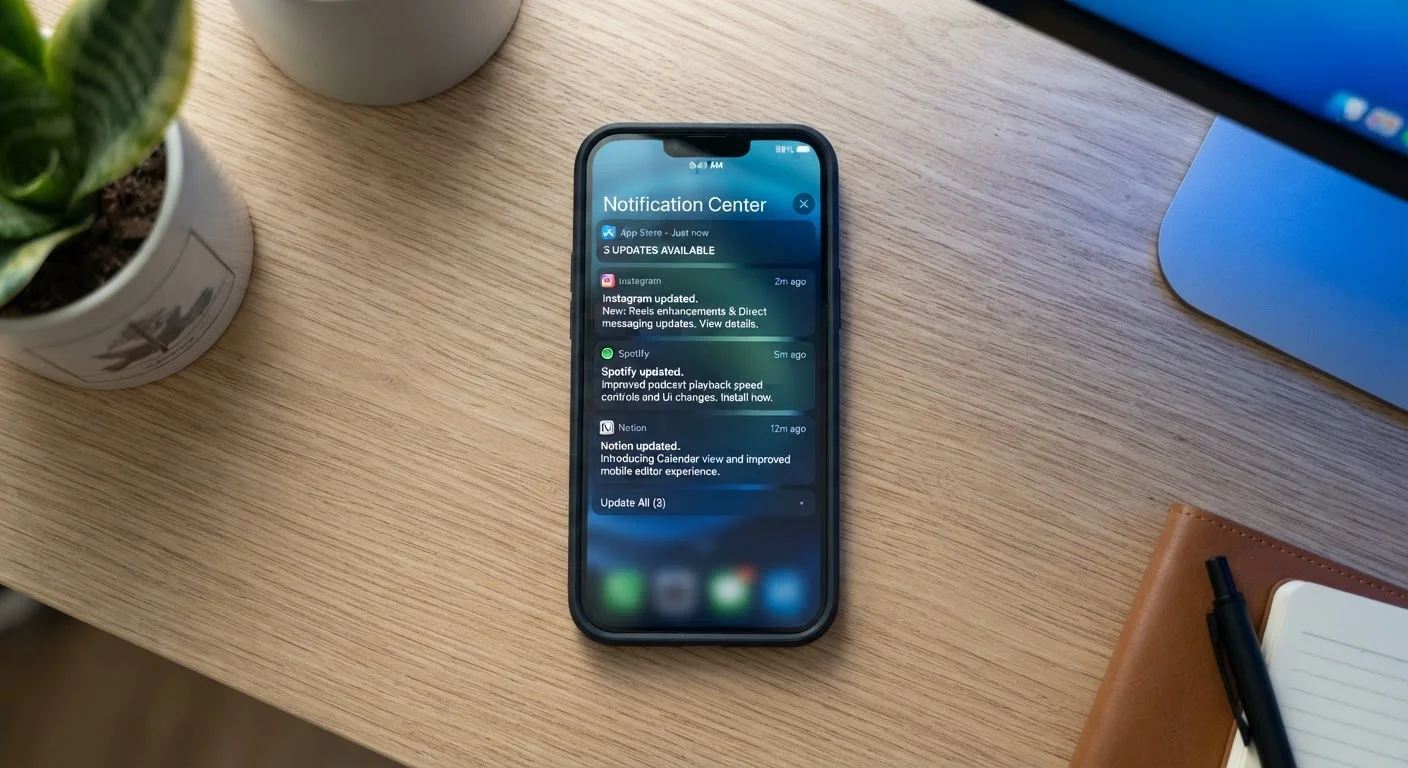
Photo credit: TrendingExperts.net
In this article
Skipping app updates isn't just about missing features. Learn why staying current affects your security, performance, and data safety.
Key Takeaways
- App updates frequently contain security patches that protect your personal data from known threats.
- Outdated apps can drain your battery, slow your device, and cause unexpected crashes.
- Enabling automatic updates is one of the simplest ways to stay protected without extra effort.
- Not all updates are equal - knowing what changed helps you make smarter decisions about your apps.
- Delaying updates leaves your device exposed longer than most people realize.
The Real Reason Updates Matter
Most people treat app update notifications like background noise - a banner to dismiss on the way to doing something else. But skipping those updates carries real consequences that go beyond missing a new button layout or color scheme.
Every app installed on your phone or computer is a potential point of entry for security threats. Developers constantly discover weaknesses in their own code - and when they do, they release fixes through updates. The moment a vulnerability becomes known publicly, it also becomes a target. Attackers routinely scan for devices running outdated software, knowing that many users delay or ignore updates.
Updates Aren't Just About New Features
Many people associate app updates with added features or visual redesigns, but a large share of updates are purely maintenance - fixing bugs, patching vulnerabilities, or improving compatibility with your operating system. Even if an update doesn't change how an app looks or feels, it may still be doing important work behind the scenes to keep your device and data safer.
Performance is the other side of the equation. Updates often include optimizations that reduce how much battery an app consumes, how much memory it holds onto, or how smoothly it runs. If your phone feels sluggish or an app keeps crashing, an update - or the lack of one - may be directly responsible. For related fixes, see our guide on clearing cache and cookies.
Best Practices for Keeping Apps Current
Staying on top of updates doesn't require daily monitoring. A few deliberate habits go a long way toward keeping your apps - and your data - in better shape.
Enable automatic updates on your phone or tablet whenever possible.
Security patches are most effective when applied quickly. Cyber threats often exploit known vulnerabilities within days of their public disclosure, so the faster an update installs, the shorter your window of exposure. Automatic updates remove the need to remember to check manually.
Check update release notes before installing, especially for apps that handle sensitive data.
Release notes tell you what changed - new permissions requested, features added, or issues fixed. This is particularly valuable for apps tied to your banking, health, or email accounts, where an unexpected permission change deserves a second look.
Prioritize updates for security-critical apps first when updating manually.
Not every app carries the same risk profile. Apps that store passwords, financial information, or health records are higher-value targets. Keeping those current is more urgent than updating a game or a photo filter app.
Restart your device after installing significant updates.
Some updates modify system-level processes that only fully take effect after a fresh reboot. Skipping this step can leave your device running old processes alongside new ones, causing performance issues or leaving patches incomplete.
Remove apps you no longer use rather than leaving them outdated.
Unused apps that haven't been updated are a passive security risk. If a vulnerability is discovered in an app sitting unused on your device, it can still be exploited - and you may never notice because you aren't watching for updates on apps you've forgotten about.
For a broader look at device-level protection, including settings that work alongside app updates, see our overview of device security settings most people skip.
Start Today: Quick Wins You Can Do Right Now
Building a consistent update habit doesn't have to start with a complete overhaul of how you use your phone. A few targeted actions today can meaningfully reduce your exposure and improve performance without any technical expertise required.
“Unpatched software is one of the most common entry points for attackers. Keeping applications updated is a foundational step - and one of the easiest - in protecting personal devices.”
— Cybersecurity and Infrastructure Security Agency (CISA), U.S. federal agency focused on national cybersecurity guidance
Over time, these small steps become second nature. Staying current with updates is one of the most straightforward things you can do to protect yourself online - no special tools or subscriptions needed.

Author
Technology Editorial Team
Technology Editorial Team is the collective byline for our editorial team and contributor network. Articles published under this byline or an editorial pen name are researched, written, and reviewed according to our editorial standards for clarity, consistency, and independence before publication.
View all articles →