
Phishing Emails: Why They Still Fool Smart People
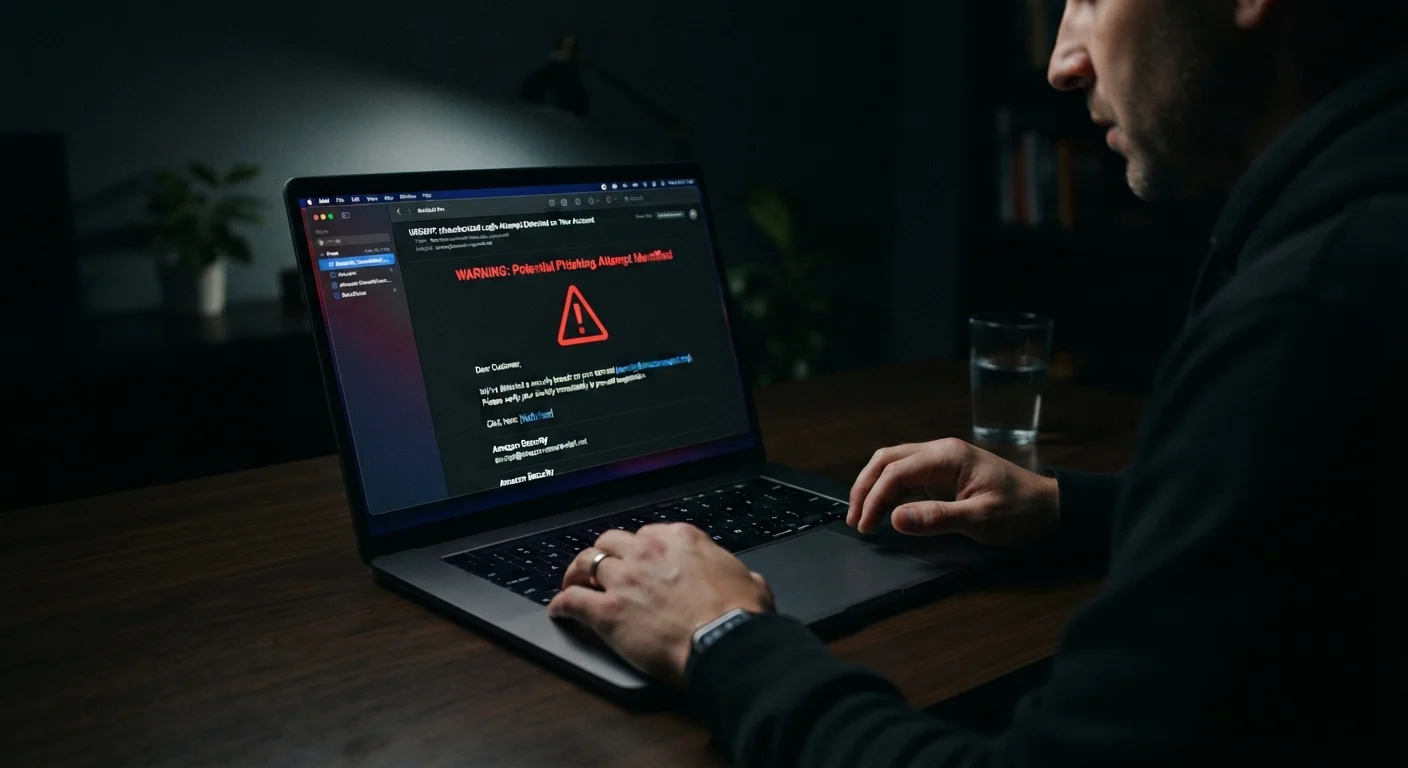
Photo credit: TrendingExperts.net
In this article
Phishing scams have grown sophisticated. Learn how modern attacks work, what makes them convincing, and the signals that reveal a fake message.
Key Takeaways
- Phishing emails now closely mimic real branding, making visual detection unreliable alone.
- Attackers exploit urgency and fear to bypass your critical thinking instincts.
- The sender's display name is easily faked - always verify the actual email address.
- Hovering over links before clicking reveals whether the destination matches the claimed source.
- Multi-factor authentication limits damage even if a password is stolen through phishing.
- Reporting phishing attempts helps protect others in your organization or community.
Why Phishing Still Works in 2024
Most people assume phishing is easy to spot - a typo-riddled message from a Nigerian prince. The reality is far more sophisticated. Today's phishing emails are engineered with the same care a marketing team puts into a product launch. They mirror real brand logos, replicate exact font styles, and copy footer language from legitimate companies word for word.
The reason phishing continues to succeed isn't that victims are careless. It's that these attacks are specifically designed to short-circuit careful thinking. Attackers study human psychology and trigger the mental shortcuts everyone uses when processing information quickly. According to the FBI's Internet Crime Complaint Center, phishing consistently ranks among the most reported cybercrime types year after year - affecting millions of Americans across every income and education level.
Understanding how these threats fit into the broader digital safety picture helps you build habits that protect you across all channels, not just email.
#1
Most reported cybercrime type in the U.S.
Phishing was the most frequently reported cybercrime category in the FBI's 2023 Internet Crime Report, with hundreds of thousands of complaints filed annually.
3.4B
Phishing emails sent daily worldwide
Cybersecurity researchers estimate approximately 3.4 billion phishing emails are sent globally each day, according to industry threat intelligence reports.
36%
Of data breaches involve phishing
Verizon's Data Breach Investigations Report has consistently found phishing to be involved in a significant share of confirmed data breaches across industries.
The Psychology Behind the Deception
Phishing emails are built on a core psychological mechanic: urgency paired with authority. A message claiming your bank account has been locked and must be verified within 24 hours triggers two powerful responses - anxiety about losing access and a sense that a trusted institution is demanding action.
Attackers also exploit what psychologists call the familiarity heuristic. When a logo, layout, or writing style looks familiar, your brain registers it as safe before your conscious mind has finished reading. That's why a near-perfect replica of a delivery notification or password reset email is so effective - your pattern-recognition system says "I know this," and you act.
Spear phishing takes this further by personalizing the message with real details about you - your name, employer, a recent purchase, or a colleague's name - often sourced from social media or data breaches. When an email references something only a legitimate sender should know, skepticism fades rapidly.
Pause Before You Click
When an email creates a sense of urgency, treat that feeling as a warning signal rather than a reason to act. Take five seconds to verify the sender's full email address and hover over any links before clicking. Legitimate organizations will not penalize you for taking a moment to confirm their identity through a separate, official channel - like calling the number on the back of your card or navigating directly to a website by typing it in your browser.
The Red Flags Worth Knowing
Visual polish no longer distinguishes real from fake, but behavioral and structural signals still do. Here's what to examine before clicking anything:
- The actual sending address: The display name can say "PayPal Support," but the real address might be
support@paypal-secure-login.xyz. Always expand the sender field and read the full domain. - Link destinations: Hover your cursor over any link - without clicking - to preview the real URL. If the displayed text says your bank's name but the URL points somewhere else, it's fraudulent.
- Requests for sensitive information: Legitimate organizations almost never ask for passwords, full Social Security numbers, or payment card details via email.
- Pressure and deadline language: "Your account will be closed in 12 hours" is a manipulation tactic, not standard customer communication. Compare this to how professional emails actually communicate - urgency framing like this is a red flag.
- Mismatched context: An email about a package you didn't order or a bank you don't use is an immediate signal to delete without engaging.
Phishing isn't the only scam built on manufactured trust. The same psychological tactics appear in romance scams, where the relationship itself becomes the lure.
A user receives an email appearing to be from their bank, warning that suspicious activity was detected and asking them to click a link to verify their identity within 48 hours.
An office worker receives an email seemingly from their company's CEO asking them to purchase gift cards urgently for a client meeting and send the codes by reply.
A shopper receives a message that looks exactly like a major retailer's shipping notification, saying their package is on hold and they need to pay a small customs fee via a linked form.
A college student gets an email from what appears to be their university's IT department, saying their email storage is full and they must log in within 24 hours or lose access.
What You Can Do Right Now
Awareness is the first line of defense, but habits and tools extend your protection significantly.
Enable multi-factor authentication (MFA) on every account that supports it. Even if a phishing attack successfully captures your password, MFA requires a second verification step - a code sent to your phone, for example - that an attacker sitting overseas typically cannot complete.
Use a password manager to generate and store unique passwords for every account. Password managers also autofill credentials only on the correct domain - if you land on a fake site, the manager won't fill in your login, which serves as an additional warning signal.
Report phishing emails rather than simply deleting them. Most email clients have a built-in "report phishing" option. Reporting helps your email provider and cybersecurity researchers identify and block new attack campaigns faster.
Finally, pause before acting on any email that creates emotional pressure. That momentary pause - just a few seconds to check the sender address and hover over links - is often the difference between being fooled and staying protected.
Phishing Isn't Limited to Email
While email is the most common delivery method, phishing attacks also arrive via text message (smishing), phone calls (vishing), and even social media direct messages. The same red flags apply across channels: urgency, requests for sensitive information, and links that don't match the claimed sender. Our coverage of non-email social engineering tactics explains how these work in more detail.
Frequently Asked Questions

Author
Technology Editorial Team
Technology Editorial Team is the collective byline for our editorial team and contributor network. Articles published under this byline or an editorial pen name are researched, written, and reviewed according to our editorial standards for clarity, consistency, and independence before publication.
View all articles →