
The Anatomy of a Professional Email
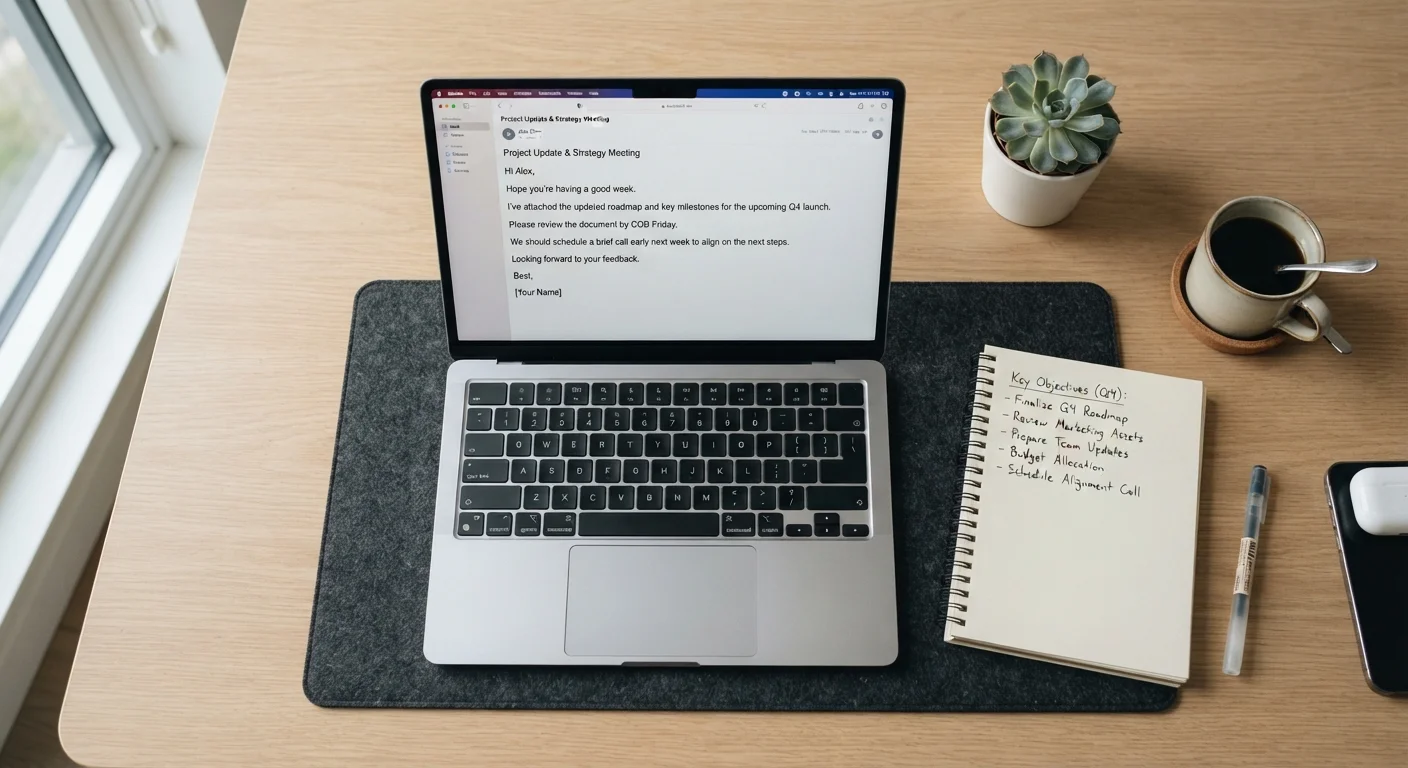
Photo credit: TrendingExperts.net
In this article
From subject lines to sign-offs, learn the structural and tonal elements that make workplace emails clear, credible, and easy to act on.
Why Email Structure Still Matters
Despite the rise of workplace chat tools, email remains the dominant channel for formal professional communication - job applications, client correspondence, manager updates, and cross-team requests. Yet most workers never receive explicit instruction on how to write one well.
A poorly structured email doesn't just inconvenience the reader; it can undermine your credibility. Unclear subject lines get ignored. Buried requests go unmet. Overly casual tone in a formal context signals a lack of self-awareness. Conversely, a well-built email is read quickly, acted on, and associated with a competent sender. The structure itself does communication work before a word of content lands.
Understanding email anatomy gives you a repeatable framework - one that applies whether you're writing to a recruiter, a client, or your own manager. These aren't arbitrary style preferences; each structural element serves a distinct function.
Subject line
The brief label at the top of an email that summarizes its content or purpose. A strong subject line helps recipients prioritize and understand the email's intent before opening it.
Salutation
The opening greeting in an email (e.g., 'Hi Sarah,' or 'Dear Mr. Lopez,'). It sets the relational tone and signals the level of formality appropriate to the exchange.
Signature block
A standardized section at the bottom of a professional email containing the sender's name, title, organization, and contact details. It functions as a digital business card.
Reply-all
An email function that sends your response to every recipient on the original thread, not just the sender. Overuse creates inbox clutter and is considered a common professional misstep.
Call to action (CTA)
A clear, direct statement in an email that tells the recipient what you need them to do next, such as 'Please confirm by Friday' or 'Let me know if you approve this approach.'
Breaking Down Each Element
Every professional email has the same skeleton. Here's how each part works and where writers most often go wrong.
| Ideal subject line length | Under 50 characters (General email UX best practice; varies by platform) |
| Recommended body paragraph length | 2-4 sentences (Plain-language writing standards) |
| Typical target email length | Under 200 words (Professional writing guidance) |
| Most common email mistake | Burying the key request (Workplace communication research) |
| Sign-off for most contexts | "Best," or "Thanks," (Business communication convention) |
| Signature block max length | 5 lines or fewer (Professional etiquette guidance) |
Subject Line
The subject line is a preview, a label, and a decision-trigger all at once. Vague subjects like "Quick question" or "Following up" force the recipient to open the email just to understand what it's about. Specific subjects - "Q3 Budget Review - Action Needed by Friday" - let the recipient prioritize, prepare, and respond faster. Keep subject lines under 50 characters when possible; many mobile inboxes truncate beyond that.
Salutation
Match your greeting to your relationship with the recipient. "Hi ," works for most workplace contexts. "Dear ," is more appropriate for formal external correspondence, such as writing to a client or senior stakeholder you haven't met. Avoid "To Whom It May Concern" unless you genuinely have no name - it reads as impersonal and low-effort. Never skip the salutation entirely; diving straight into content feels abrupt.
Opening Line
Skip the filler. "Hope you're doing well" isn't inherently wrong, but it delays your point. In most workplace emails, the first line should orient the reader to purpose: "I'm writing to confirm our Thursday call" or "Attached is the revised proposal for your review." Context first, pleasantries second - or omitted altogether when brevity is warranted.
Body
Keep paragraphs short - two to four sentences maximum. Use numbered lists for sequential steps, bulleted lists for parallel items, and bold text sparingly to flag the most critical information. Each email should address one primary topic. If you need to cover three unrelated matters, consider three separate emails. A reader who encounters a sprawling, multi-topic message often defers it - indefinitely.
State your request or key information early in the body, not buried at the end after background detail. If action is needed, name it clearly: "Please review and return your edits by Wednesday."
Closing Line and Sign-Off
Before your sign-off, indicate next steps or express appreciation where appropriate. "Let me know if you have questions" leaves the door open without being demanding. Your sign-off should match your tone: "Best," and "Thanks," suit most professional contexts; "Sincerely," fits more formal correspondence. Avoid "Cheers" in conservative industries unless you know the culture well.
Signature Block
Your signature block should include your full name, title, organization, and a preferred contact method. Keep it concise - signatures longer than five lines start to overshadow the message itself.
Tone, Length, and Common Mistakes
Professional email tone sits between conversational and formal - clear, respectful, and purposeful. All-caps reads as shouting. Excessive exclamation points dilute emphasis. Sarcasm rarely translates on screen and carries real reputational risk, particularly in written records.
Aim for the shortest version of your email that fully communicates your point. If your draft exceeds 200 words, reread it and cut anything the reader doesn't need to know to take action. Lengthy background sections, over-explained context, and repeated caveats are the most common causes of email bloat.
Reply-all is another common misstep. Before hitting it, ask whether every person on the thread genuinely needs your response - or whether you're adding noise to a dozen inboxes unnecessarily.
For high-stakes correspondence - job applications, escalations, client-facing messages - reread your email as the recipient would. Does the subject line tell them exactly what to expect? Is the request unambiguous? Would a stranger understand it without additional context? If the answer to any of these is no, revise before sending. This habit is especially valuable if you work remotely, where communication habits shape your professional reputation more than in-office workers might realize.
If you're using email for job-search outreach, note that follow-up emails have their own norms around timing and frequency that differ from internal workplace communication.
Finally, be aware that clear, credible email construction also makes you a harder target for manipulation. Recognizing the hallmarks of well-formed professional email helps you spot when something is off - a skill that overlaps with understanding how phishing emails exploit familiar formatting to deceive recipients.

Author
Careers Editorial Team
Careers Editorial Team is the collective byline for our editorial team and contributor network. Articles published under this byline or an editorial pen name are researched, written, and reviewed according to our editorial standards for clarity, consistency, and independence before publication.
View all articles →