
Charging Habits That Quietly Shorten Your Device's Lifespan
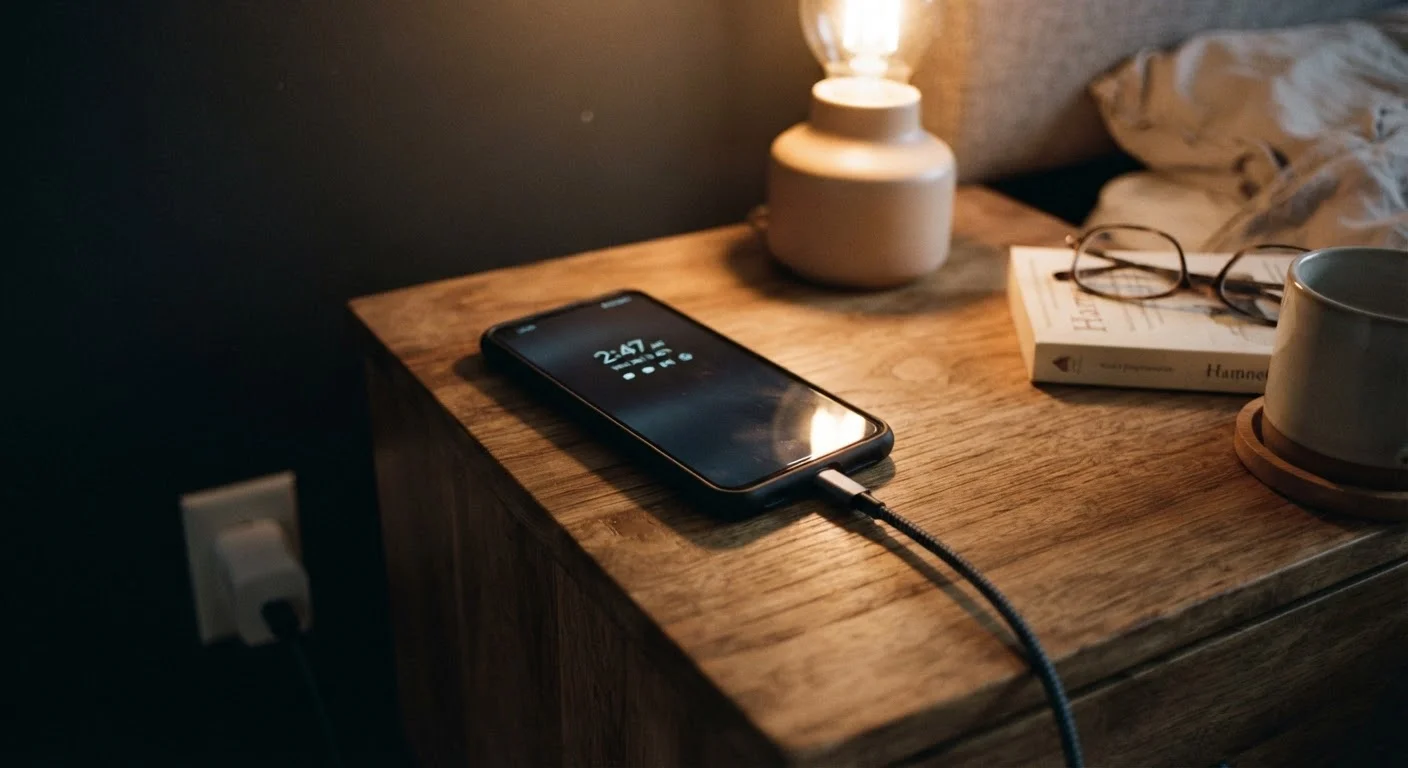
Photo credit: TrendingExperts.net
Leaving your phone plugged in overnight or charging to 100% every time may not be ideal. Here's what the evidence says about battery longevity.
Key Takeaways
- Lithium-ion batteries degrade faster when routinely charged to 100% or drained to 0%.
- Overnight charging is generally safe with modern devices, but heat remains the real enemy.
- Keeping your battery between 20% and 80% is widely recommended for long-term health.
- Fast charging is convenient but generates heat that can accelerate battery wear over time.
- Battery percentage readings become less accurate as the battery ages and loses capacity.
Why Battery Habits Actually Matter
Lithium-ion batteries don't last forever - every charge cycle moves the battery incrementally closer to the end of its useful life. Manufacturers typically rate phone batteries for several hundred full charge cycles before capacity noticeably drops. How you charge, however, can push that degradation faster or slower than the rated average.
The good news is that small adjustments to everyday habits can genuinely extend how long your battery holds a charge. Understanding the actual science - not outdated rules from older battery technologies - is the first step. If your device is already showing signs of rapid drain, our guide on why your phone battery drains faster than it should covers additional contributing factors worth reviewing.
Myth
You should always charge your phone to 100% and let it drain completely before recharging.
Fact
Deep full cycles actually stress lithium-ion batteries. Partial charges between 20% and 80% are better for longevity.
This advice dates back to older nickel-cadmium (NiCd) batteries, which suffered from a "memory effect" - they would lose capacity if not fully discharged before recharging. Lithium-ion batteries, which power virtually every modern smartphone and laptop, work on entirely different chemistry. Repeatedly charging to 100% or letting the battery hit 0% puts the cell under additional electrochemical stress, accelerating wear. Battery researchers commonly refer to a "charge cycle" as a full 100% of capacity used, and partial cycles count toward that total. Keeping your battery in a middle range reduces the number of high-stress full cycles the cell experiences.
Myth
Leaving your phone plugged in overnight will definitely ruin the battery.
Fact
Modern devices have built-in charge management that stops drawing power at 100%, but sustained heat from overnight charging can still cause gradual wear.
Contemporary smartphones and laptops use charge controllers that stop active charging once the battery is full, then trickle power to compensate for natural discharge. So the phone won't literally overcharge. However, keeping a battery sitting at 100% for extended periods - combined with any heat generated by the device - does contribute to capacity loss over time. Some operating systems now include optimized or adaptive charging features that learn your routine and deliberately pause charging at around 80%, finishing to 100% just before you typically wake up. Enabling this setting where available is a practical middle ground.
Myth
Fast charging is just as safe for your battery as slow charging.
Fact
Fast charging is convenient and well-engineered, but it generates more heat, which is a known accelerant of lithium-ion battery degradation.
Fast charging works by delivering higher wattage to the battery, which speeds up the chemical reaction inside the cell. That reaction produces heat. Heat is one of the most consistently documented causes of accelerated lithium-ion degradation - it breaks down the electrolyte and the electrode materials more quickly than normal charging does. Using fast charging occasionally for convenience is a reasonable trade-off, but habitually fast-charging every time, especially in warm environments or while using the device heavily, can shorten overall battery lifespan faster than standard charging would. If longevity is a priority, slower charging when time allows is a sensible habit.
Myth
The battery percentage shown on your screen is always an accurate reading.
Fact
Battery percentage is an estimate calculated by software, and it becomes less reliable as the battery ages and loses capacity.
Your device's operating system estimates battery level based on voltage readings and historical usage data. When a battery is new, this estimate is reasonably accurate. As the battery ages and its total capacity shrinks, the software model can fall out of sync with actual cell behavior - leading to sudden drops, unexpected shutdowns at 20%, or a phone that dies at 15% without warning. This is why older devices sometimes benefit from a periodic full calibration cycle (draining completely, then charging uninterrupted to 100%) to help the software re-learn the battery's actual range. It won't restore lost capacity, but it can improve the accuracy of the readout.
Myth
Using your phone while it charges causes significant damage.
Fact
Normal use during charging - browsing, calls, messaging - causes minimal additional stress, though running demanding apps while charging can increase heat.
Light use while plugged in is unlikely to meaningfully accelerate battery wear. The concern is valid in a specific scenario: running processor-intensive tasks (like gaming or video editing) while charging generates heat from both the CPU and the charging process simultaneously. That combined heat output is what can cause problems. For everyday tasks, the impact is negligible. If you notice your device getting noticeably warm during charging, reducing screen activity or removing any protective case temporarily to improve heat dissipation is a simple precaution.
Heat Is the Variable Most People Overlook
Across almost every piece of credible battery research, heat emerges as the most damaging environmental factor for lithium-ion cells. Cold temperatures temporarily reduce performance but rarely cause lasting harm. Heat, by contrast, physically degrades the internal components of the battery over time.
High Temperatures Accelerate Battery Aging
Sustained exposure to temperatures above 95°F (35°C) is widely documented as a leading cause of permanent lithium-ion battery capacity loss. This includes leaving a phone on a car dashboard in summer, charging under a pillow, or using the device heavily in direct sunlight for extended periods. Even short, repeated heat exposure compounds over time.
Practical implications: avoid leaving devices in hot cars, charging on soft surfaces that trap heat (like pillows or blankets), or using incompatible chargers that deliver inconsistent power. Background processes also contribute - syncing services running continuously can keep the processor active and warm even when the screen is off. Our explainer on what syncing really does and when to turn it off can help you identify which background activity is worth limiting.
20-80%
Optimal daily charge range for battery longevity
Battery engineers and device manufacturers commonly cite keeping lithium-ion cells within this partial charge range as the most effective habit for slowing capacity degradation.
500-1,000
Typical rated full charge cycles before notable capacity loss
Most smartphone manufacturers rate their lithium-ion batteries for several hundred full cycles, after which capacity may drop to around 80% of original - varying by device and usage conditions.
These habits apply broadly to laptops too, not just phones. If you use a laptop daily, our piece on keeping a laptop running well for years covers ventilation and charging practices that protect the battery over the long term.

Author
Technology Editorial Team
Technology Editorial Team is the collective byline for our editorial team and contributor network. Articles published under this byline or an editorial pen name are researched, written, and reviewed according to our editorial standards for clarity, consistency, and independence before publication.
View all articles →