
Your Phone Battery Is Draining Faster Than It Should - Here's Why
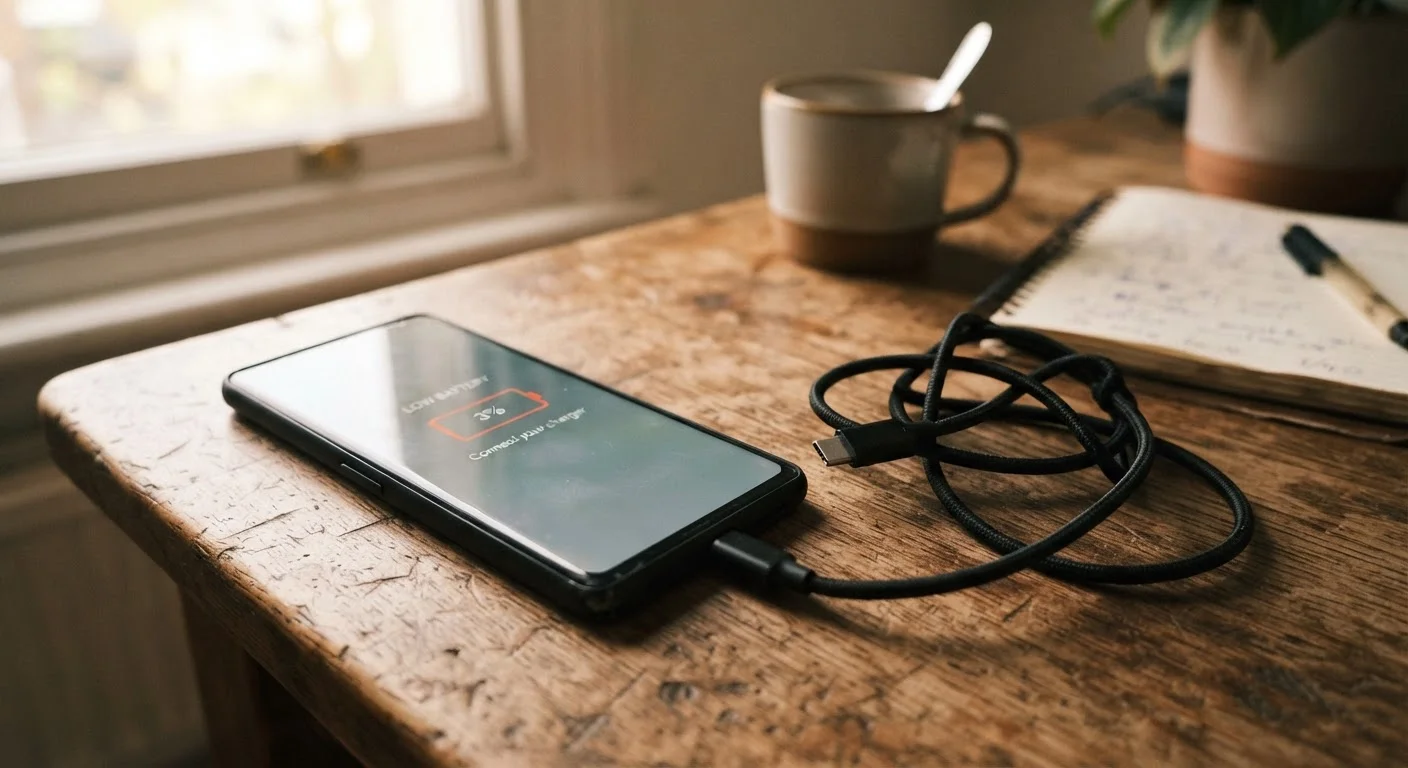
Photo credit: TrendingExperts.net
In this article
Background apps, screen brightness, and old charge habits all affect battery life. Learn what's silently killing your battery and how to fix it.
Key Takeaways
- Background apps and constant syncing are among the biggest silent battery drains on any phone.
- Screen brightness is frequently set far higher than necessary, consuming significant power throughout the day.
- Charging your phone to 100% every time or letting it fully die can degrade battery health over time.
- Location services running continuously in the background can cut battery life noticeably.
- Most battery problems are fixable through settings adjustments, not hardware replacement.
Why Your Battery Seems Fine One Month and Struggling the Next
Battery drain rarely happens overnight. It tends to creep up as apps accumulate, settings drift, and the battery itself ages through hundreds of charge cycles. The frustrating part is that none of these changes announce themselves - your phone just feels like it needs charging more often than it used to.
The good news is that most of the causes are controllable. Understanding what's actually drawing power lets you make targeted fixes rather than guessing. The mistakes below are the most common culprits, and addressing even two or three of them can restore hours of daily use.
~500
Charge cycles before notable capacity loss
Lithium-ion batteries commonly retain around 80% of their original capacity after approximately 500 full charge cycles, according to battery industry guidance.
Up to 30%
Battery drain attributed to screen brightness
Display brightness is consistently cited by device manufacturers and battery researchers as one of the largest single contributors to battery consumption on smartphones.
The Most Common Battery-Draining Mistakes - and How to Fix Them
Each of the following errors is easy to make and just as easy to correct once you know where to look. Work through them in order, since background activity and screen settings typically have the largest impact.
Leaving too many apps running in the background without restriction.
Why it happens: Many people assume closing apps manually is enough, but apps can be granted permission to refresh and run processes even when you're not using them.
Keeping screen brightness at maximum or near-maximum all day.
Why it happens: The default brightness is often set high, and many users never adjust it - or they disable auto-brightness because it feels inconsistent.
Allowing location services to run continuously for every app.
Why it happens: Apps frequently request 'always on' location access during setup, and most users tap 'allow' without considering the battery impact.
Charging your phone to 100% every time and keeping it plugged in overnight routinely.
Why it happens: It feels logical to start every day with a full charge, and overnight charging is convenient. Most people don't realize lithium-ion batteries experience more stress at the extremes of their charge range.
Leaving Wi-Fi, Bluetooth, and mobile data all active simultaneously when only one is needed.
Why it happens: These radios are all on by default, and switching between them manually feels like extra effort most users skip.
Ignoring push notifications and sync settings that keep your phone active constantly.
Why it happens: Notifications are convenient, so users often allow every app to push alerts - without realizing each notification wakes the screen and triggers a network request.
Battery Health Degrades Permanently Over Time
Smartphone batteries are consumable components - their maximum charge capacity decreases with every charge cycle. If your phone is more than two years old and draining very quickly even after adjusting settings, the battery itself may need professional replacement. Check your battery health in your phone's settings (iPhone: Settings > Battery > Battery Health; Android: varies by manufacturer) before assuming a software fix will solve everything.
When Settings Fixes Aren't Enough
If you've worked through the mistakes above and your phone still drains faster than expected, the battery itself may be the issue. Lithium-ion batteries degrade with use - that's normal and expected. A two- or three-year-old phone with heavy daily use may simply have a battery that can no longer hold a full charge.
Don't Ignore Sudden or Dramatic Battery Drops
If your phone's battery percentage drops sharply and unpredictably - for example, jumping from 40% to 5% in minutes - this can signal a battery that needs replacement rather than a settings problem. Continuing to use a severely degraded or swollen battery may pose a safety risk. Have it inspected by a qualified technician.
Most manufacturer service centers and many independent repair shops can replace a phone battery at a reasonable cost, which is often cheaper than upgrading to a new device. If you do decide a new phone is the better path, see our walkthrough on setting up a new phone without losing your old data to make the transition smoother.
For context, battery degradation in phones shares some patterns with vehicle batteries - both lose capacity over time and show warning signs before failing completely. Our piece on car battery basics and warning signs explores those parallels if you're curious.

Author
Technology Editorial Team
Technology Editorial Team is the collective byline for our editorial team and contributor network. Articles published under this byline or an editorial pen name are researched, written, and reviewed according to our editorial standards for clarity, consistency, and independence before publication.
View all articles →