
Free vs. Paid App Versions: What You Actually Lose Without a Subscription
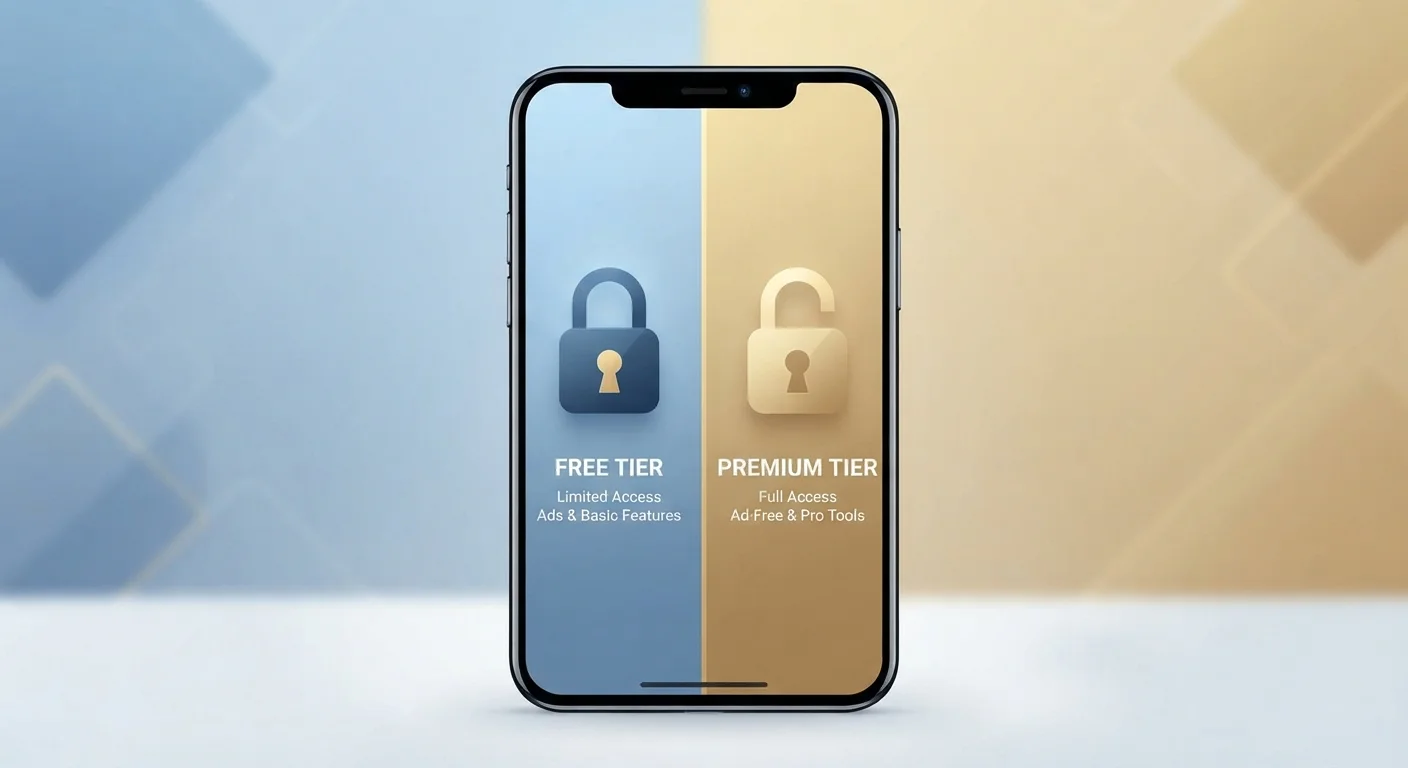
Photo credit: TrendingExperts.net
In this article
Many apps offer free and paid tiers. Here's a clear breakdown of what paywalls typically restrict — and when upgrading is genuinely worth it.
Key Takeaways
- Free app tiers commonly restrict storage, remove ads, or limit core features behind a paywall.
- Paid subscriptions are most worth it when you use an app daily and the locked features directly affect your workflow.
- Many free tiers are genuinely functional - upgrading is only necessary if restrictions actively slow you down.
- Always test the free version thoroughly before committing to a recurring subscription charge.
- Some 'premium' features, like offline access and cross-device sync, can be deal-breakers depending on how you use the app.
How the Free-vs-Paid Model Actually Works
Most apps today use what's called a freemium model - they're free to download and use at a basic level, but certain features sit behind a paywall requiring a monthly or annual subscription. The idea is simple: let you try the app, then charge you once you're invested.
What sits behind that paywall varies enormously by app category. A note-taking app might lock cross-device syncing. A photo editor might restrict export resolution. A meditation app might hide most of its guided sessions. Understanding which restrictions apply to you - not just that restrictions exist - is the only useful way to evaluate whether paying makes sense.
For more on how the industry arrived at this subscription-first reality, see how software subscriptions replaced one-time purchases.
What Free Tiers Commonly Restrict
While every app is different, paywalls tend to cluster around a handful of restriction types:
- Storage limits: Cloud storage, note counts, or file sizes are capped. Common in note, document, and backup apps.
- Ads: Free users see ads; paid users don't. Common in streaming, podcast, and utility apps.
- Offline access: You need an internet connection on the free tier. Paid users can download content for use without Wi-Fi.
- Device sync: Free accounts may only work on one device. Paid plans unlock seamless syncing across your phone, tablet, and computer.
- Feature depth: Basic tools are free; advanced tools - AI features, templates, analytics, automation - require payment.
- Export and sharing: Free users can create but can't export in high resolution or share publicly without watermarks.
| Restriction Type | Free Tier | Paid Tier | |
|---|---|---|---|
| Storage | Limited (e.g. 2-15 GB) | Expanded or unlimited | |
| Ads | Ads present | Ad-free experience | |
| Offline access | Requires internet connection | Download content for offline use | |
| Device sync | One device only | Sync across all devices | |
| Advanced features | Basic tools only | Full feature set unlocked | |
| Export quality | Watermarked or low-res | Full resolution, no watermark | |
| Customer support | Community or email only | Priority or live support |
The key question isn't whether a restriction exists, but whether you hit it regularly. A 5 GB storage cap is irrelevant if you store 500 MB.
When Upgrading Is Genuinely Worth It
Paying for an app makes most sense when three conditions line up: you use the app frequently, the free tier's restrictions actively interrupt your work or enjoyment, and the subscription cost fits reasonably within your budget relative to what you get.
Daily users of productivity apps - task managers, writing tools, cloud storage - often find that sync limitations or storage caps become genuinely disruptive over time. Similarly, people who commute without reliable Wi-Fi often find offline access alone worth a streaming or podcast subscription.
Test the Limits Before You Pay
Before subscribing, deliberately try to do the things the paywall restricts. Try syncing across two devices, exporting a file, or reaching your storage limit. If the restriction stops you cold, that's a signal the upgrade has real value for you. If you can work around it easily, the free tier may be enough.
On the other hand, if you open an app a few times a month, the free tier's limits may never actually affect you. Paying for headroom you don't use is a common budget drain. This connects to a broader principle covered in understanding price versus real value - cost only makes sense relative to the benefit you actually receive.
Also consider: some apps offer a middle path. Annual billing is typically 20-40% cheaper than monthly billing for the same plan, so if you've already decided to upgrade, the payment cadence matters. See the hidden math of subscription pricing for a fuller breakdown.
Smart Habits Before You Subscribe
Before entering your payment details, a few habits can help you avoid paying for features you won't use:
- Use the free tier for at least two weeks. Real usage patterns reveal which limits actually matter to you.
- List the specific features behind the paywall. Don't pay for a vague sense of getting 'more' - identify the exact features you need.
- Check if a free alternative covers your needs. Many app categories have multiple capable free options.
- Set a calendar reminder before any trial ends. Free trials that auto-convert to paid plans are one of the most common sources of unwanted charges.
- Review subscriptions quarterly. Apps you once used daily can quietly become apps you never open - but the charge continues.
Keeping your apps updated is also worth factoring in - free-tier users sometimes receive fewer or delayed updates. Why staying current matters more than you'd expect explains the security and performance implications of falling behind.

Author
Technology Editorial Team
Technology Editorial Team is the collective byline for our editorial team and contributor network. Articles published under this byline or an editorial pen name are researched, written, and reviewed according to our editorial standards for clarity, consistency, and independence before publication.
View all articles →