
Before You Click 'Apply Coupon': A Pre-Checkout Verification Routine
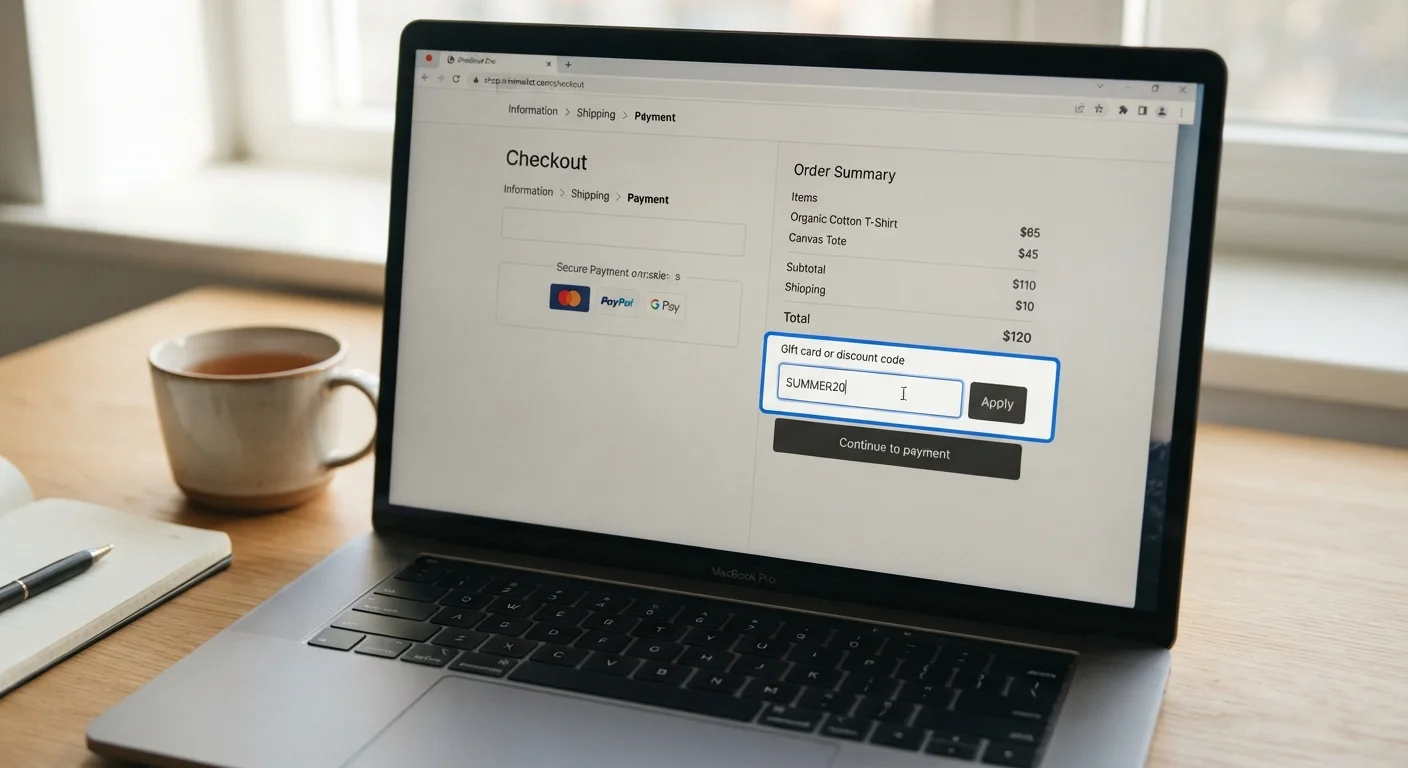
Photo credit: TrendingExperts.net
In this article
A practical checklist to confirm a coupon is legitimate, stackable, and actually lowering your total — not just your perceived savings.
Key Takeaways
- A discount percentage means nothing if the base price was artificially inflated before the sale.
- Coupon terms - expiration dates, eligible items, and minimum spend thresholds - are often buried in fine print.
- Not all savings methods can be combined; stacking rules vary significantly by retailer.
- The final cart total, not the coupon banner, is the only number that actually matters.
- Auto-applied browser extensions may override better codes or trigger tracking you didn't consent to.
Why a Pre-Checkout Routine Matters
Coupon codes are one of the most heavily manipulated elements in online retail. Retailers know that seeing a discount - even a meaningless one - creates a psychological sense of winning. A "20% off" banner feels rewarding whether the original price was fair or padded by 25% the week before. Without a quick verification routine, it's easy to complete a purchase believing you saved money when the math tells a different story.
This checklist gives you a structured way to pause before clicking "Apply Coupon" and confirm the discount is real, applicable, and actually reducing your total. It takes under 20 minutes and applies to virtually any online retailer. If you're newer to navigating promo codes and deal mechanics, this primer on how coupons and cashback tools work is a useful starting point.
Verify the Coupon Source
Audit the Base Price
Check Eligibility and Exclusions
Assess Stacking and Combination Rules
Confirm the Final Total
Tools That Support the Verification Process
You don't need specialized software to run through this checklist, but a few free resources make specific steps faster and more reliable. Use them selectively - not every tool is appropriate for every purchase.
Price history tracker (e.g., a browser-based price history tool)
Reveals whether an item's listed "original" price has been artificially inflated before a promotional period.
Retailer's official promotions or coupons page
Confirms whether a code you found externally is legitimate and whether a better offer is already available without a code.
Retailer's coupon policy (usually in the site's FAQ or Help section)
Clarifies stacking rules, minimum purchase requirements, and excluded item categories before you apply anything.
Cashback portal account dashboard
Allows you to verify whether a cashback offer is active for the retailer and whether it's compatible with the coupon you intend to use.
Calculator app
Lets you manually verify that the discount applied to your cart matches the percentage or dollar amount stated in the coupon terms.
One important note on browser extensions that auto-apply coupon codes: these tools are convenient, but they may override a better code you found manually, and some share your browsing and purchase data with third parties. Read the privacy policy of any extension before installing it.
For purchases where you plan to combine a coupon with cashback or price matching, check the specific policies in advance. A detailed breakdown of which savings methods can actually be layered will help you avoid conflicts that could void one or both discounts.
"Coupon Applied" Doesn't Mean the Math Is Right
Many retailers display a coupon confirmation message even when the code applies to only a portion of your cart or when the discount is smaller than the terms suggest. Always calculate the expected savings yourself and compare it to the actual reduction in your order total. A confirmation message confirms the code was accepted - not that it worked as advertised.
Inflated "Original" Prices Are Common Before Sales
Retailers are legally permitted to set their own reference prices, and some do inflate them temporarily before a promotional event to make the discount appear larger. Price history tools can show you what an item actually sold for over the past 30 to 90 days, giving you a more accurate sense of whether a discount is genuine or cosmetic.
After You Apply: Confirming the Math
Applying a code and seeing a "coupon applied" confirmation is not the finish line. The final step is verifying that your order total reflects the actual savings you expected - before you enter payment information.
Compare the pre-coupon subtotal to the post-coupon total and calculate the difference manually. Check that any minimum purchase requirement was satisfied by eligible items only (some thresholds exclude sale items, gift cards, or specific categories). Confirm shipping costs haven't changed in a way that offsets the discount. Finally, note whether the coupon affected taxable amounts - in some states, taxes are calculated on the pre-discount price, which can slightly reduce net savings.
If you regularly use a retailer's loyalty program alongside discount codes, it's worth understanding how those two savings vehicles interact over time. A clear-eyed comparison of loyalty points versus one-time promo codes can help you decide which to prioritize on any given purchase.

Author
Shopping Editorial Team
Shopping Editorial Team is the collective byline for our editorial team and contributor network. Articles published under this byline or an editorial pen name are researched, written, and reviewed according to our editorial standards for clarity, consistency, and independence before publication.
View all articles →