
Securing Your Home Network From the Router Out
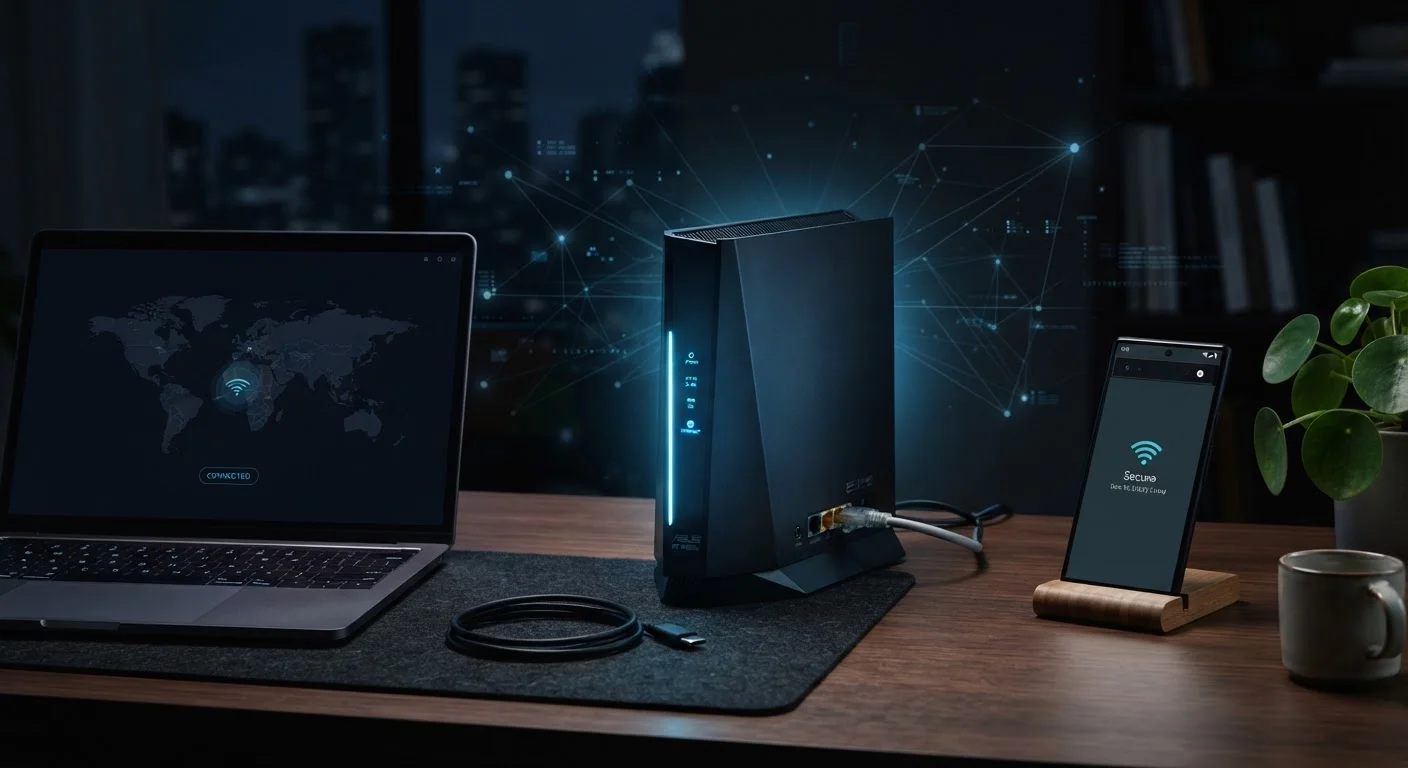
Photo credit: TrendingExperts.net
In this article
Your router is the front door to every device in your home. Explore the settings and habits that keep your home network harder to compromise.
Key Takeaways
- Changing your router's default admin credentials is the single most impactful first step you can take.
- Outdated router firmware is one of the most common and preventable vulnerabilities on home networks.
- A separate guest network isolates untrusted devices from your primary connected devices.
- Disabling remote management and unused features reduces your router's exposure to outside attacks.
- WPA3 encryption offers stronger protection than older WPA2 or WEP standards where available.
Why Your Router Is the First Line of Defense
Every device in your home - phones, laptops, smart TVs, thermostats - connects to the internet through your router. That makes it the single most important piece of network hardware you own. If an attacker gains access to your router, they can potentially monitor traffic from every device on your network, redirect you to fake websites, or use your connection for malicious purposes.
Despite this, most people never touch their router's settings after the initial setup. Many are still running factory default usernames and passwords - credentials that are publicly documented and trivially guessable. The good news: a few deliberate changes can dramatically reduce your exposure. This article walks through the most effective practices, starting from the router itself and working outward.
For a broader look at building your digital safety foundation, see our complete online security starter guide.
Core Router Settings to Change Right Now
Access your router's admin panel by typing its IP address (commonly 192.168.1.1 or 192.168.0.1) into a browser while connected to your home network. Your router's documentation or the label on the device itself will confirm the exact address.
Replace the default admin username and password immediately.
Router manufacturers ship devices with well-known default credentials. Anyone on your network - or exploiting another vulnerability - can look up those defaults and take full control of your router's settings. A strong, unique password closes this door quickly.
Enable WPA3 encryption on your Wi-Fi network, or WPA2 if WPA3 is unavailable.
Encryption determines how data traveling over your Wi-Fi is scrambled from outsiders. Older standards like WEP and WPA are considered weak by current security standards and can be cracked with widely available tools. WPA3 provides significantly stronger protection.
Keep your router's firmware up to date.
Firmware updates patch known security vulnerabilities that attackers actively exploit. Many routers can be compromised simply because owners never applied available patches. Some modern routers support automatic updates - enabling this removes the need to remember manual checks.
Create a separate guest network for visitors and smart home devices.
A guest network operates in isolation from your primary network. If a guest's device carries malware, or if a smart home gadget has a security flaw, it cannot reach your personal computers or files. Network segmentation limits the damage any single compromised device can cause.
Disable remote management unless you have a specific, active need for it.
Remote management allows your router to be administered from outside your home network. Most households never use this feature, but leaving it enabled creates an internet-facing entry point that attackers can probe. Disabling it eliminates that exposure entirely.
Once you've tightened these settings, extend your thinking to the devices connecting to your network. Device security settings most people skip can help you secure each endpoint after the router is locked down.
Quick Actions You Can Take Today
Not every improvement requires a deep technical dive. Several high-impact steps take under five minutes and require no special knowledge. Start here if you want to make an immediate difference.
If you're also concerned about what happens when you leave home and connect to public networks, understand the real risks of public Wi-Fi before you connect.
Staying Ahead: Ongoing Network Habits
Securing your router isn't a one-time task. Networks evolve - new devices join, firmware updates release, and attack methods change. Building a few simple habits keeps your defenses current without requiring constant attention.
83%
Home routers with unpatched vulnerabilities
A study by American Consumer Institute found that roughly 83% of home routers tested contained known security vulnerabilities, many due to outdated firmware.
~30%
Users who never change default router password
Security surveys have consistently found that a significant share of home network users never change factory-set router credentials, leaving devices broadly exposed.
Periodically log into your router's admin panel and review the list of connected devices. If you see something you don't recognize, investigate before assuming it's harmless - it could be a neighbor using your network or, in rarer cases, an unauthorized device. Most routers let you block devices by their MAC address (a unique hardware identifier) if needed.
For a comprehensive checklist covering your accounts as well as your network, audit your account security before a breach happens}. And if you want the full picture of your digital safety posture, our end-to-end online safety guide connects all the pieces.

Author
Technology Editorial Team
Technology Editorial Team is the collective byline for our editorial team and contributor network. Articles published under this byline or an editorial pen name are researched, written, and reviewed according to our editorial standards for clarity, consistency, and independence before publication.
View all articles →