
Smart Home Devices for First-Timers: What to Know Before You Start
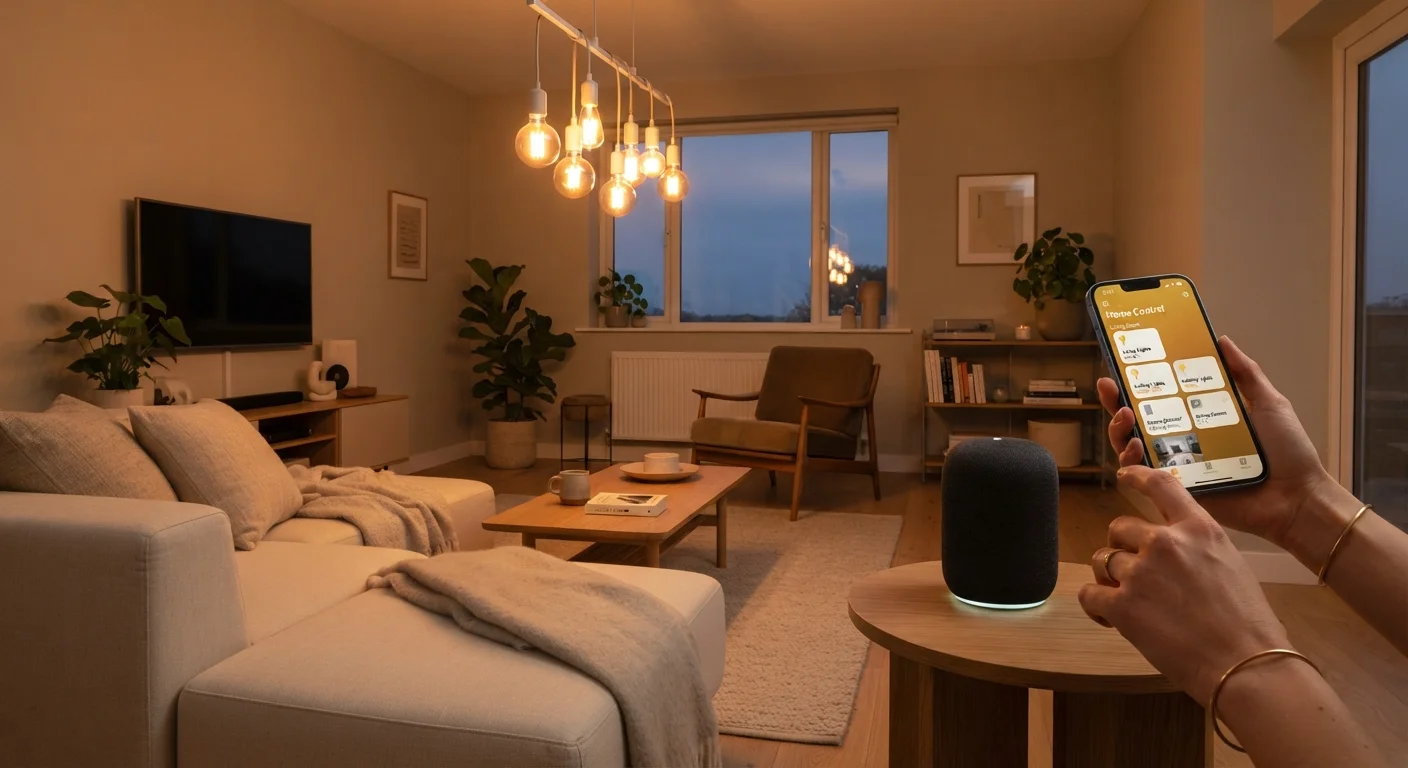
Photo credit: TrendingExperts.net
In this article
Smart speakers, plugs, bulbs, and locks — this beginner's guide explains how smart home gadgets work and how to get started without the overwhelm.
Key Takeaways
- Smart home devices connect to your Wi-Fi and are controlled through apps or voice commands.
- Smart plugs and bulbs are the easiest entry points - no wiring required.
- Choosing one ecosystem (Google, Amazon, or Apple) keeps devices working together smoothly.
- Always change default passwords and enable two-factor authentication on your smart home app accounts.
- You don't need to automate everything at once - start with one or two devices.
What Are Smart Home Devices, Really?
A smart home device is any household gadget - a light bulb, thermostat, lock, plug, or speaker - that connects to your home's Wi-Fi network and can be controlled through a smartphone app, a voice command, or an automated schedule. The word "smart" simply means the device can receive instructions digitally, rather than requiring you to flip a physical switch.
The core idea is convenience: turning off every light in the house from bed, getting an alert if your front door opens, or having your coffee maker start before you wake up. None of this requires you to be technically skilled. Most modern smart home products are designed for everyday users, not engineers.
Wi-Fi protocol
The wireless communication standard your router uses to send data. Smart home devices typically use the 2.4 GHz band, which has a longer range than 5 GHz but slightly slower speeds.
Ecosystem
A collection of apps, devices, and services from one platform - like Amazon Alexa or Google Home - designed to work together seamlessly.
Hub
A central device that acts as a translator between your smart gadgets and your Wi-Fi network, often used with devices that rely on Zigbee or Z-Wave wireless protocols.
Firmware
Built-in software that controls how a hardware device operates. Manufacturers release updates to fix bugs, improve performance, or patch security holes.
Matter
An industry-wide compatibility standard that allows smart home devices from different brands to work together across all major ecosystems without extra configuration.
Two-factor authentication (2FA)
A login security method that requires both your password and a second proof of identity - usually a one-time code sent to your phone - before granting access.
The Four Most Beginner-Friendly Device Types
If you're starting from scratch, these four categories are the lowest-friction entry points - no wiring, no contractor, no steep learning curve.
- Smart plugs: You plug them into any standard wall outlet, then plug your existing lamp or fan into them. The plug itself becomes controllable via app. It's one of the fastest ways to add automation to devices you already own.
- Smart bulbs: Screw them into a standard light socket, connect them to your Wi-Fi through an app, and you can dim them, change their color temperature, or schedule them - no electrician needed.
- Smart speakers: These serve as both a voice interface and a household hub. You speak commands aloud - "turn off the kitchen light" - and the speaker relays instructions to compatible devices on your network.
- Smart locks: These replace or augment your existing deadbolt and let you lock or unlock your door remotely, create temporary access codes for guests, or receive alerts when the door is accessed.
Just as evaluating any new product as a beginner benefits from a clear set of criteria, choosing your first smart device is easier when you narrow it down to the category that solves an actual daily friction point for you.
How Smart Home Ecosystems Work
An ecosystem is a group of devices and apps designed to work together under one platform. The three dominant ecosystems in the U.S. are Amazon Alexa, Google Home, and Apple HomeKit. Each has its own app, its own voice assistant, and its own list of compatible devices.
Here's why this matters: a smart bulb that works with Alexa may not work with Apple HomeKit. If you mix and match randomly, you could end up juggling three separate apps to control your home. Picking one ecosystem first - and buying devices that explicitly support it - keeps things manageable.
A newer interoperability standard called Matter is gradually changing this. Devices bearing the Matter logo are designed to work across all major ecosystems, reducing lock-in. When you're shopping, looking for Matter-certified devices gives you more flexibility down the road.
Start With One Ecosystem, Then Expand
Resist the urge to buy devices from several different platforms at once. Pick the ecosystem that aligns with devices you already own - if you have an Android phone, Google Home is a natural fit; iPhone users may prefer HomeKit. Once you understand how your first few devices work together, expanding becomes much more straightforward.
What to Check Before You Buy Anything
Before adding a device to your cart, run through this short checklist:
- Wi-Fi band compatibility: Many smart home devices only connect to 2.4 GHz Wi-Fi, not 5 GHz. Check your router settings and the device specs before purchasing.
- Ecosystem compatibility: Confirm the device explicitly lists support for whichever platform you've chosen (Alexa, Google Home, or HomeKit).
- App requirements: Some devices require a proprietary app in addition to your ecosystem app. More apps mean more accounts and more complexity.
- Hub requirements: Certain devices - particularly those using Zigbee or Z-Wave protocols - need a separate hub to function. Budget and space for that if relevant.
The same kind of methodical thinking that applies when evaluating any unfamiliar product pays off here too: compare requirements against your actual setup before committing.
2.4 GHz vs. 5 GHz: A Quick Clarification
Most modern routers broadcast both 2.4 GHz and 5 GHz Wi-Fi networks, sometimes with the same network name (SSID). If your smart device fails to connect, try separating the two bands in your router settings and connecting the device specifically to the 2.4 GHz network. Your router's user guide or manufacturer website can walk you through this.
Privacy and Security Basics
Smart home devices are always-on, internet-connected hardware. That means they deserve the same attention to security you'd give your computer or phone account.
Change default passwords immediately. Many devices ship with generic login credentials that are publicly documented. Changing them on first setup is non-negotiable.
Enable two-factor authentication (2FA) on any account linked to your smart home app. This adds a second verification step - usually a code sent to your phone - that prevents unauthorized access even if someone guesses your password.
Keep firmware updated. Manufacturers release firmware updates to patch security vulnerabilities. Most apps can notify you when an update is available, or you can enable automatic updates where supported.
Audit what's connected. Periodically log into your router's admin panel to see every device on your network. If you see something unfamiliar, investigate before assuming it's harmless.
Getting started with smart home devices shares some organizational DNA with getting started with any digital tool. If you're also setting up apps and software at the same time, this first-timer's orientation to productivity apps covers complementary setup habits worth knowing.
Frequently Asked Questions

Author
Technology Editorial Team
Technology Editorial Team is the collective byline for our editorial team and contributor network. Articles published under this byline or an editorial pen name are researched, written, and reviewed according to our editorial standards for clarity, consistency, and independence before publication.
View all articles →