
Cloud Storage vs. Local Storage: How Each One Actually Works
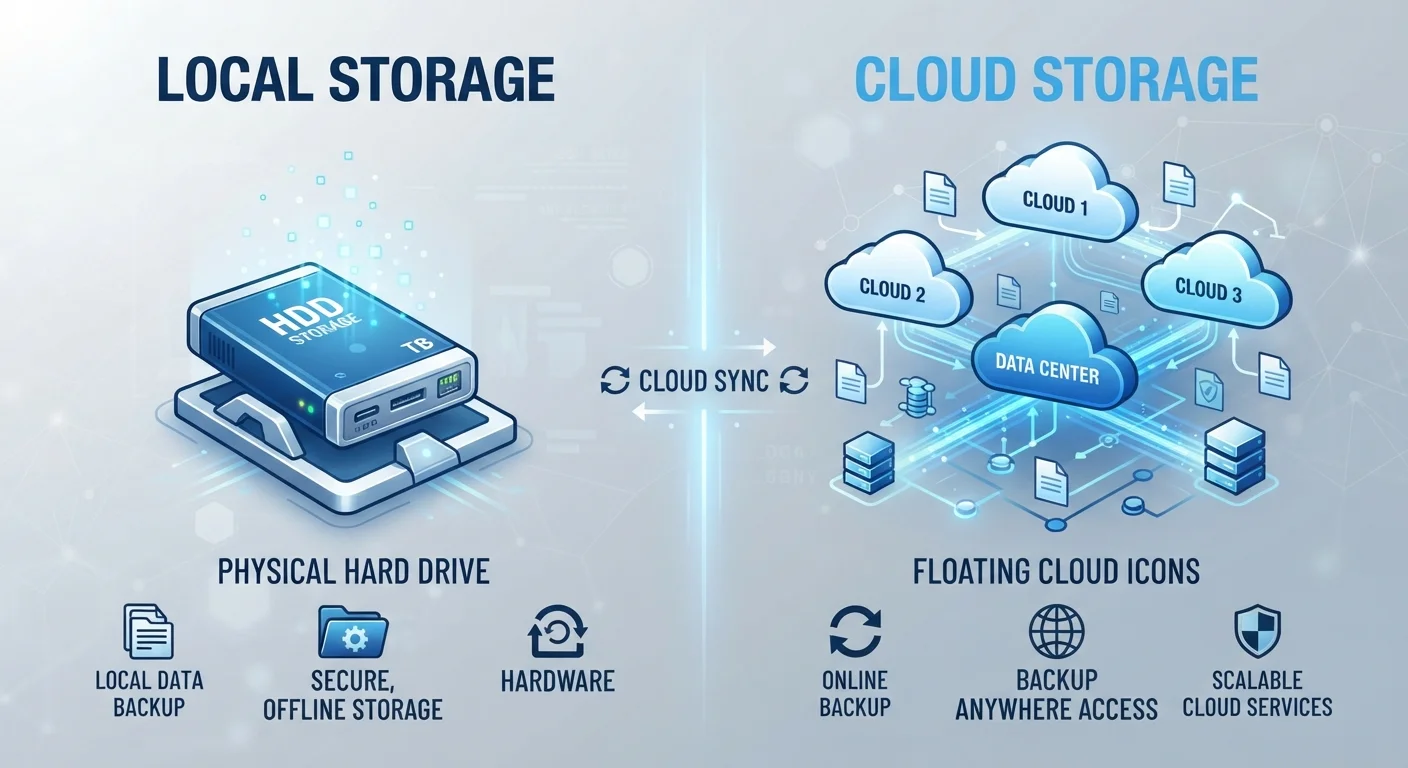
Photo credit: TrendingExperts.net
In this article
Files on your device versus files in the cloud aren't as different as they sound — until something goes wrong. Here's what sets them apart.
Key Takeaways
- Local storage keeps files on your physical device; cloud storage keeps them on remote servers.
- Local storage works without internet; cloud storage requires a connection to access files.
- Cloud storage offers automatic backup and multi-device access, but depends on a third-party service.
- Local storage is a one-time cost; cloud storage often requires a recurring subscription for more space.
- Using both together is the most resilient approach for protecting important files.
What Local Storage Actually Does
When you save a document, photo, or app to your computer or phone, it's written to a physical storage component inside the device - usually a hard disk drive (HDD) or a solid-state drive (SSD). Both store data as tiny electrical or magnetic states that the device reads back whenever you open a file.
The key characteristic of local storage is that it's self-contained. Your device doesn't need an internet connection to read or write those files. Everything happens on-device, which makes access fast and reliable regardless of your network situation.
The trade-off is physical vulnerability. If your device is lost, stolen, or fails due to hardware damage, locally stored files can be difficult or impossible to recover without a backup. External drives and USB sticks extend local storage but share the same physical risk profile.
Check Where Your Phone Is Actually Saving Photos
Many smartphones default to saving photos both locally and to a cloud service simultaneously. Go to your camera or photos app settings to confirm where new images are stored. If cloud backup is off, a lost or broken phone means lost photos - so knowing your current setting matters before something goes wrong.
What Cloud Storage Actually Does
Cloud storage works by transmitting your files over the internet to servers maintained in large data centers - facilities that can house thousands of computers running around the clock. When you "save to the cloud," your file leaves your device, travels over a network, and gets written to storage hardware that someone else owns and manages.
To retrieve that file, your device sends a request over the internet, the data center locates your file, and the content is streamed back to you. This is why cloud access requires an active internet connection for most use cases.
What cloud providers typically offer beyond raw storage is redundancy - meaning your file is usually copied across multiple servers or locations. If one server fails, your data remains intact on another. This is a meaningful reliability advantage over keeping a single local copy.
For a deeper look at how your files are handled once they leave your device, see Cloud Storage Explained: Where Your Files Actually Go.
64%
U.S. adults using cloud storage services
According to Pew Research Center data on Americans' technology adoption and digital storage habits.
93%
Data loss cases involving human error or hardware failure
Industry research consistently attributes the majority of data loss events to hardware failure, accidental deletion, or device damage rather than cyberattacks.
The Practical Differences That Actually Matter
Understanding the mechanics helps, but here's how these differences play out day-to-day:
- Access without internet: Local storage works offline. Cloud storage generally doesn't, unless you configure offline sync - a feature that essentially creates a temporary local copy. For more on how syncing works, see What 'Syncing' Really Does - and When to Turn It Off.
- Multi-device access: Cloud storage lets you open the same file on your phone, laptop, and tablet seamlessly. Local storage is tied to one device unless you physically transfer the file.
- Cost structure: Local storage is a one-time hardware cost. Cloud storage above free-tier limits usually involves a monthly or annual subscription.
- Speed: Local storage is faster for large files - reading from a drive is quicker than downloading from the internet, especially on slower connections. See Wi-Fi vs. Mobile Data for context on connection speeds that affect cloud access.
A freelance designer saves finished project files only to their laptop's internal drive. The laptop's hard drive fails unexpectedly with no backup.
A traveler stores all their photos exclusively in a cloud service. On a flight with no Wi-Fi, they can't view any of their vacation pictures.
A student uses cloud-synced documents so their essay is automatically available on both their home computer and school laptop.
A home user stores a large video archive on an external hard drive plugged into their computer, keeping the files off their main device.
Why Most People Should Use Both
Relying on only one approach leaves a gap. A device failure wipes out anything stored only locally. A company shutting down a service, a hacked account, or a lapsed subscription can cut off cloud-only files. The standard recommendation among IT professionals is sometimes called the 3-2-1 rule: keep three copies of important data, on two different types of storage, with one copy stored off-site (which cloud storage satisfies naturally).
For everyday users, a practical version of this is simple: let your phone or computer back up automatically to cloud storage, while keeping the device's local storage as your primary working copy. That way a lost phone doesn't mean lost photos, and a service outage doesn't stop you from working.
The goal isn't to pick a winner between cloud and local storage - it's to understand what each one protects you against, and fill in the gaps accordingly.
Frequently Asked Questions

Author
Technology Editorial Team
Technology Editorial Team is the collective byline for our editorial team and contributor network. Articles published under this byline or an editorial pen name are researched, written, and reviewed according to our editorial standards for clarity, consistency, and independence before publication.
View all articles →