
The Many Ways Apps Use Your Location Data - Beyond Just Maps
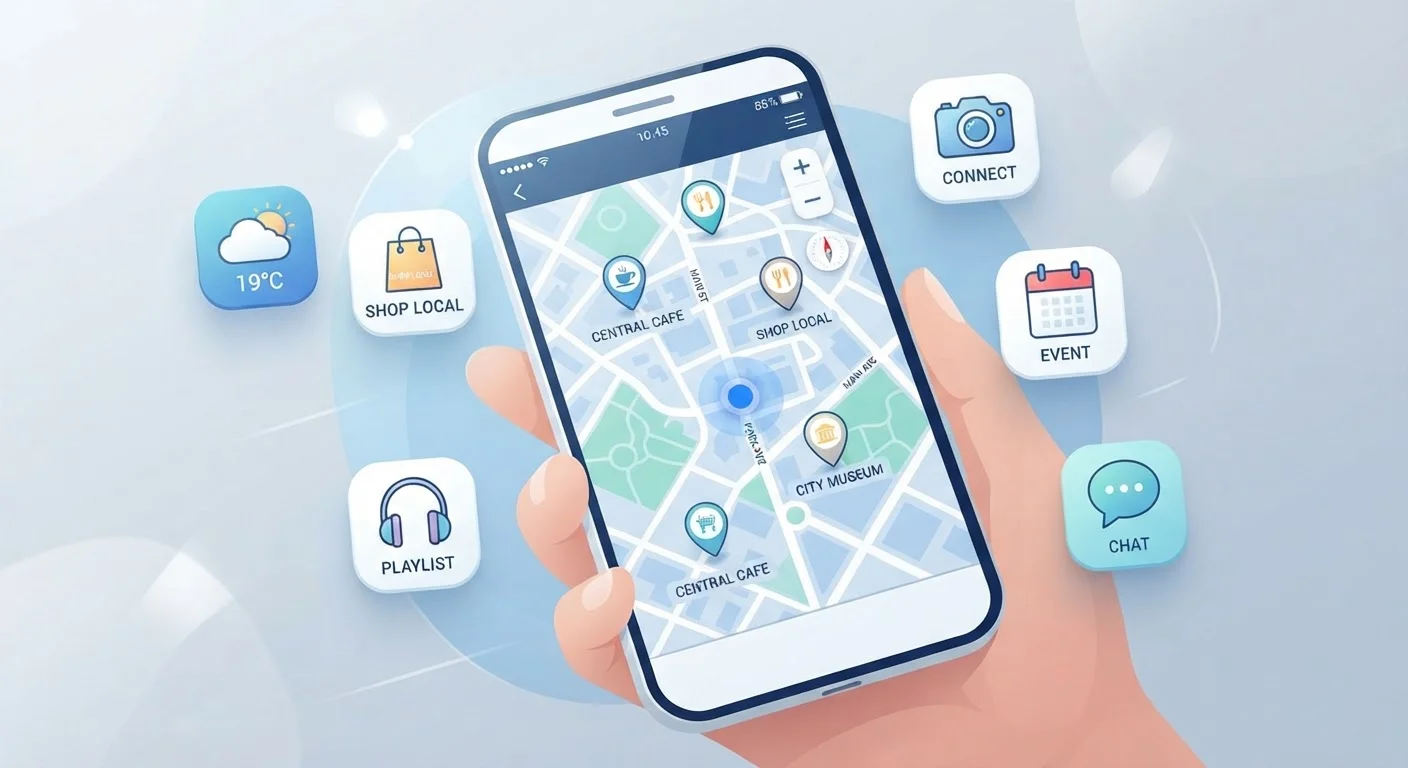
Photo credit: TrendingExperts.net
In this article
Location access does a lot more than help you navigate. Discover the range of ways apps collect and use your whereabouts — and how to manage it.
Key Takeaways
- Many apps request location access for purposes unrelated to navigation or mapping.
- Location data can be used for ad targeting, pricing, content personalization, and safety features.
- You can review and limit which apps access your location through your phone's settings.
- Understanding why an app wants your location helps you make smarter permission decisions.
- Some location uses are genuinely helpful; others primarily benefit the app or its partners.
Why Location Access Goes Way Beyond Getting Directions
When you grant an app access to your location, you probably picture it pulling up a map or showing nearby restaurants. But location permission is one of the most versatile - and frequently requested - data points an app can collect. It feeds into dozens of features and business decisions that have nothing to do with helping you navigate.
Understanding how your whereabouts get used puts you in a better position to decide which apps genuinely need that access and which ones are collecting more than they need. As our guide on what app permissions actually grant explains, each permission you approve opens a meaningful door to your personal data.
Below are some of the most common - and often surprising - ways apps put your location to work.
Targeted Advertising Based on Where You Go
Ad networks use location history to infer your interests, lifestyle, and purchasing habits. If your phone regularly detects you near a gym, certain advertisers may serve you fitness-related ads. If you frequent a particular neighborhood or type of business, that pattern becomes part of your advertising profile. This often happens even when you're not actively using the app - as long as background location access is enabled.
Ad networks can build a detailed profile of your habits just from where your phone has been.
Dynamic Pricing and Local Market Rates
Some shopping, travel, and ride-share apps use your location to adjust what you're shown or charged. Prices for flights, hotel rooms, or services can vary depending on the city or region your device is detected in. While not all pricing differences are driven by location alone, your general whereabouts can influence the offers and rates you see.
Your location can influence the prices and offers an app decides to show you.
Weather Apps and Hyperlocal Forecasts
This is one of the more intuitive uses: weather apps need your location to deliver accurate, local forecasts. However, many weather apps also share or sell location data to third-party data brokers as part of their business model. Granting a weather app continuous background location access means it may be collecting far more movement data than a simple forecast requires.
Weather apps often collect more location data than a daily forecast actually requires.
Social Media Check-Ins and Proximity Features
Social platforms may use location to suggest nearby friends, surface local events, or let you tag posts with a place. Some platforms also use location patterns to improve friend recommendations or show you content relevant to your city or region. Even if you never manually check in anywhere, background location access allows the app to build a picture of where you spend your time.
Social apps can track your movement patterns even if you never manually check in.
Fraud Detection and Account Security
Banks, payment apps, and some email providers use location as a security signal. If your account is accessed from a location that doesn't match your typical patterns, the system may flag it as suspicious and prompt additional verification. This is a genuinely protective use of location data - one that can help catch unauthorized access to your accounts.
Location data can act as a security signal, flagging logins that don't match your usual patterns.
Geofencing - Triggered Notifications Based on Boundaries
Geofencing means an app sets a virtual boundary around a real-world location. When your phone crosses that boundary, the app can trigger an action - a push notification, a reminder, or a coupon. Retailers, delivery apps, and smart home apps commonly use this. For example, a grocery app might send a reminder when you're detected near the store, or a smart thermostat app might adjust your home temperature when it detects you're close to arriving.
Apps can automatically react to your physical location using invisible digital boundaries called geofences.
Research, Analytics, and Urban Planning Data
Aggregated, anonymized location data from large numbers of users is sometimes shared with researchers, city planners, or public health agencies to study movement patterns, traffic, or population trends. During public health events, some governments partnered with tech companies to use aggregated mobility data to understand how people were moving. While this use is typically anonymized, it illustrates how broadly location data can travel beyond the app you originally opened.
Anonymized location data from apps can feed research and planning projects well beyond your screen.
Taking Control of Your Location Settings
Most smartphones let you set location access on a per-app basis: always on, only while using the app, or never. You can also toggle between precise location (your exact GPS coordinates) and approximate location (a general area). Reviewing these settings every few months is a simple habit that can meaningfully reduce how much of your movement gets logged.
Check Your Location Settings Periodically
On both iOS and Android, you can go to Settings > Privacy (or Privacy & Security) > Location Services to see exactly which apps have location access and what level they've been granted. Try switching apps that don't have an obvious location need to 'Never' or 'While Using.' For most apps, precise location isn't necessary - approximate location is often sufficient and shares less detail.
Before downloading a new app, it's worth checking its data practices up front. Our pre-download checklist walks you through what to look for before granting any permissions. And if you want a broader picture of the data trail you leave online, the article Your Digital Footprint Is Bigger Than You Think is a useful next read.

Author
Technology Editorial Team
Technology Editorial Team is the collective byline for our editorial team and contributor network. Articles published under this byline or an editorial pen name are researched, written, and reviewed according to our editorial standards for clarity, consistency, and independence before publication.
View all articles →