
Common Myths About Incognito Mode That Give People a False Sense of Privacy
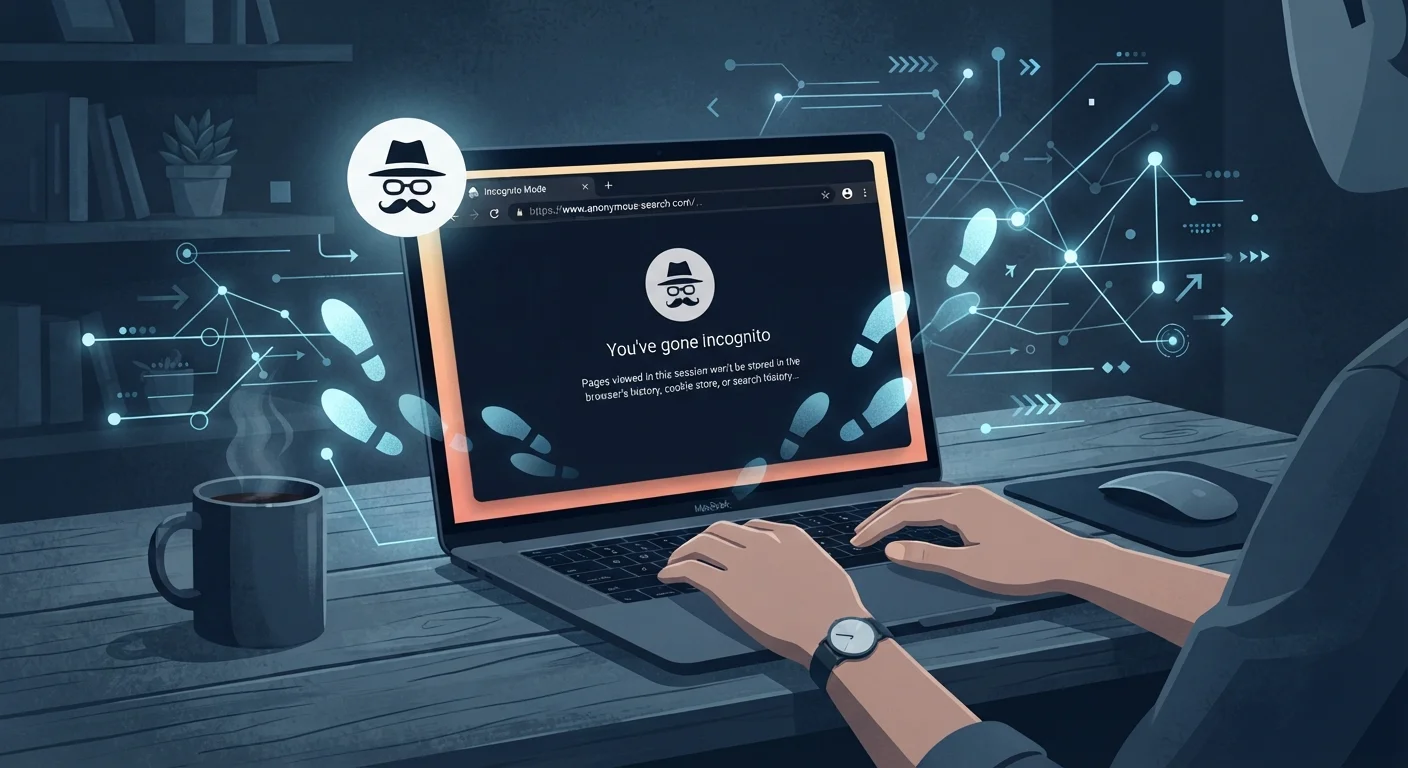
Photo credit: TrendingExperts.net
Incognito mode doesn't make you invisible online. Unpack the most common misunderstandings about private browsing and what it actually does.
Key Takeaways
- Incognito mode only prevents your browser from saving your local history and cookies.
- Your internet provider, employer, school, and the websites you visit can still see your activity.
- Incognito mode does not hide your IP address or encrypt your internet traffic.
- Using a VPN provides a meaningfully different - and stronger - layer of privacy protection.
- Understanding what incognito actually does helps you make smarter choices about online privacy.
What Incognito Mode Actually Does
Every major browser - Chrome, Firefox, Safari, Edge - offers some version of a private or incognito browsing mode. The feature is genuinely useful in a narrow sense: it prevents your browser from saving your search history, visited URLs, form data, and cookies once you close the window. If you share a laptop with a family member and want to search for a gift without it appearing in the history, incognito accomplishes that.
The problem is that the name "incognito" implies far more than the feature delivers. Decades of surveys and usability research consistently show that a significant portion of users believe private browsing hides their activity from websites, advertisers, and internet providers - none of which is true. This gap between perception and reality is what makes these myths worth addressing directly.
Myth
Incognito mode makes me invisible online - no one can see what I'm doing.
Fact
Incognito mode only stops your own browser from saving a local record of your session. Everyone else on the network can still see your activity.
This is the most widespread misunderstanding about private browsing. When you open an incognito window, your browser stops logging your visited pages, search queries, and cookies after you close the session. That's genuinely useful if you share a device and want to keep your browsing off the local history - but it stops there.
Your internet service provider (ISP), your employer's network administrator, your school's IT department, and every website you visit can still observe your traffic. The word "private" in Chrome's description refers to privacy from other users of the same device, not privacy from the wider internet.
Myth
Incognito mode hides my IP address so websites can't identify me.
Fact
Your IP address is fully visible to every website, server, and network you connect to, regardless of incognito mode.
An IP address is assigned by your internet service provider and travels with every request your device makes online - it's how the internet knows where to send information back to you. Incognito mode has no mechanism to mask or change this address.
Websites use IP addresses to identify general location, block access, enforce regional content rules, and, in some cases, build profiles across sessions. If true IP masking matters to you, that's where a VPN or the Tor browser comes in. See our comparison of VPNs and incognito mode for a clear breakdown of the difference.
Myth
Using incognito mode means advertisers can't track me.
Fact
Advertisers have multiple tracking methods that work independently of whether your browser saves cookies locally.
Cookies are one tracking tool, and incognito mode does prevent those cookies from persisting after your session ends. However, advertisers also rely on techniques like browser fingerprinting - a method that identifies your device based on its unique combination of browser version, screen resolution, installed fonts, and other signals. Fingerprinting works the same in incognito as in a regular window.
Additionally, if you log into any account - Google, Facebook, a retailer - while in incognito mode, that platform immediately ties your activity to your account. The incognito window offers no protection once you've authenticated.
Myth
Incognito mode protects me from hackers and malware.
Fact
Incognito mode provides no security protection against malicious software, phishing attacks, or network-level threats.
Private browsing is a privacy feature for local history, not a security tool. If you visit a compromised website or download a malicious file while in incognito mode, your device is at exactly the same risk as it would be in a regular browser window. Malware doesn't check whether your session is private before executing.
For actual security protections, you'd rely on a combination of up-to-date browser software, an antivirus program, avoiding suspicious downloads, and being cautious about the sites you visit - none of which incognito mode replaces.
Myth
Incognito mode deletes everything - it's like the session never happened.
Fact
Incognito clears local browser data, but records of your activity exist in multiple places outside your device.
Your ISP logs DNS queries and connection records. Websites log server-side visits independently of your browser. If you're on a corporate or school network, that network likely maintains its own traffic logs. Any file you download during an incognito session remains on your device after you close the window.
Understanding this distinction is important for anyone who assumes incognito provides a legal or forensic clean slate - it does not. The session data simply isn't stored in your browser; it exists elsewhere in the digital chain.
For a broader look at how these misconceptions connect to other online privacy beliefs, see online privacy myths most Americans still believe.
What to Use When You Need Real Privacy
If your goal is to limit tracking by advertisers, consider a browser with built-in tracker blocking, or install a reputable browser extension designed for that purpose. These tools block third-party scripts and fingerprinting attempts that incognito mode ignores entirely.
If you need to hide your IP address or encrypt your traffic - for example, on a public Wi-Fi network - a Virtual Private Network (VPN) routes your connection through an intermediary server and encrypts the data in transit. This is meaningfully different from incognito mode. The Online Safety hub covers these tools and other practical steps for protecting yourself while browsing.
Logging Into Accounts Removes All Cookie Protection
The moment you sign into any account - Google, a social media platform, an email service - while in an incognito window, that platform can track your entire session and link it to your identity. The privacy benefit of cookie isolation is immediately voided by authentication. If tracking is a concern, avoid signing into accounts during the session.
No single tool provides complete anonymity online. Understanding what each tool actually does - and doesn't do - puts you in a far better position to choose the right approach for your specific situation. Incognito mode is a useful, limited tool. Treating it as a privacy shield leads to decisions built on a false foundation.

Author
Technology Editorial Team
Technology Editorial Team is the collective byline for our editorial team and contributor network. Articles published under this byline or an editorial pen name are researched, written, and reviewed according to our editorial standards for clarity, consistency, and independence before publication.
View all articles →